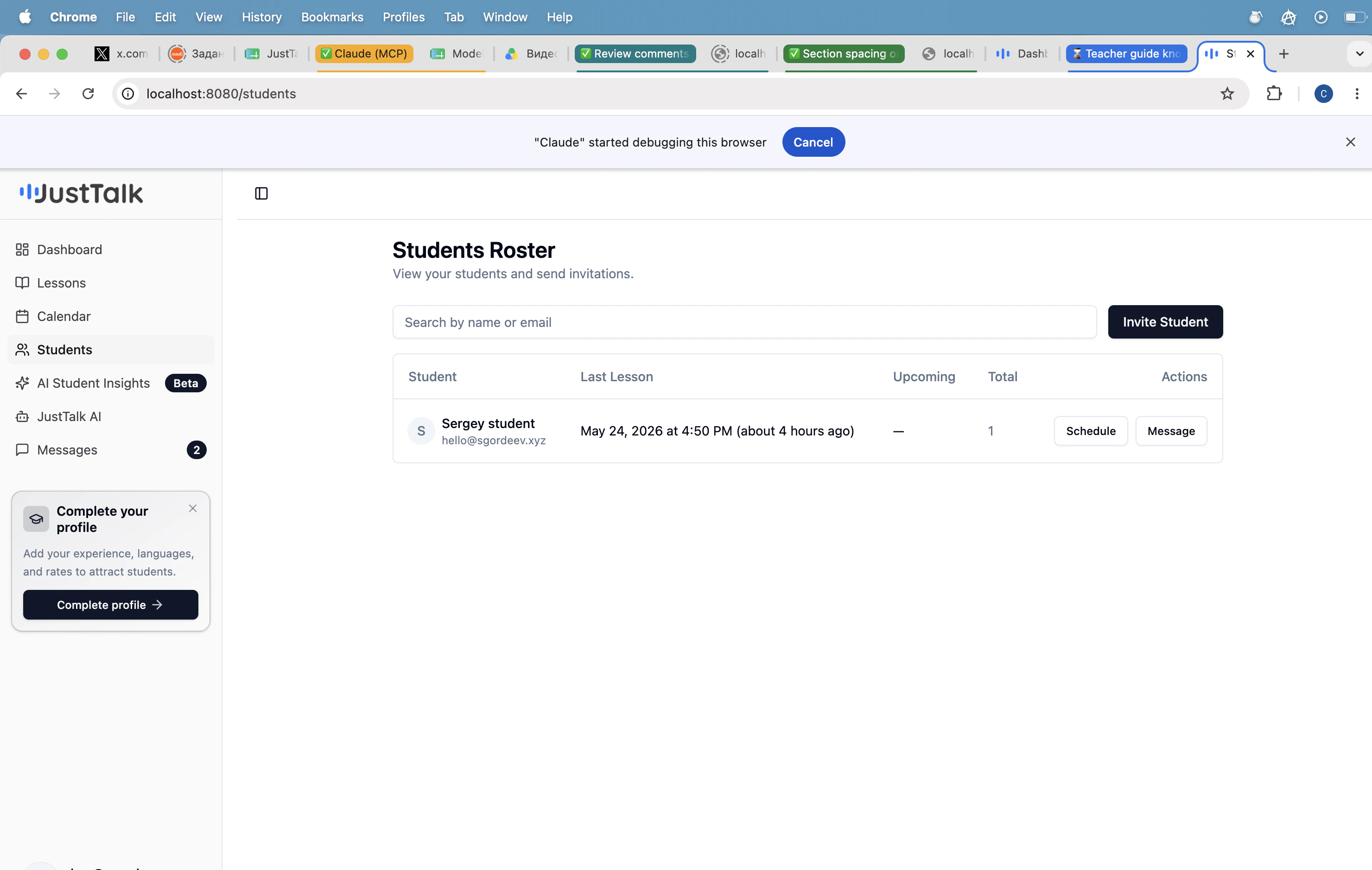
Open Students in the sidebar to see your full roster. Search by name or email; each row shows the student’s last lesson, upcoming lesson, and total lessons taken.
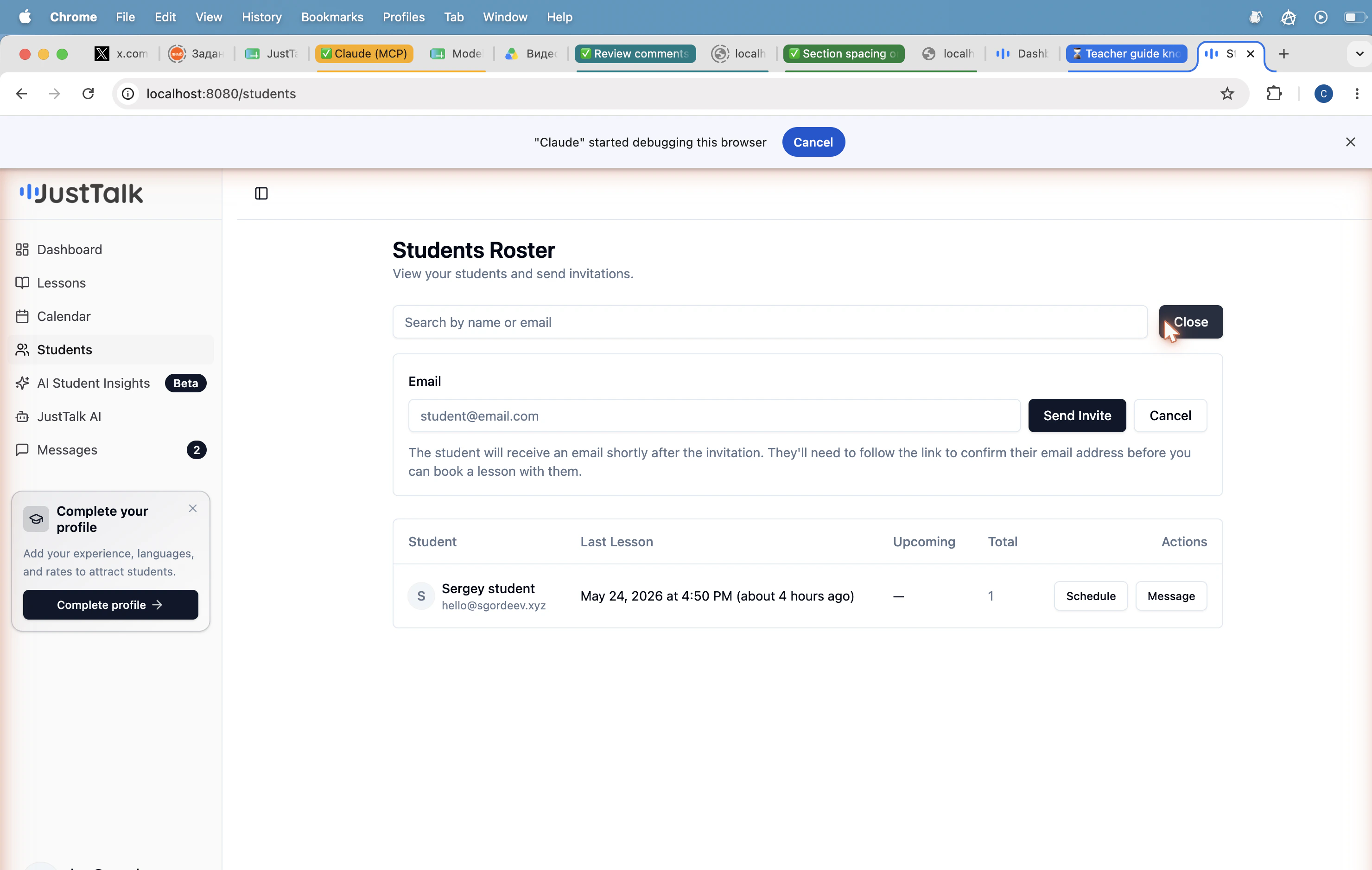
The student receives an email with a confirmation link. Once they confirm, they appear on your roster and you can book lessons with them.
Always use Invite Student rather than creating a student account manually. The invite flow correctly links the student to you, sets their role, and avoids the “this email is already a teacher” conflict.