

What you can do on JustTalk
Quick-start checklist
Your dashboard surfaces four quick-start steps. Complete all four before booking your first paid lesson.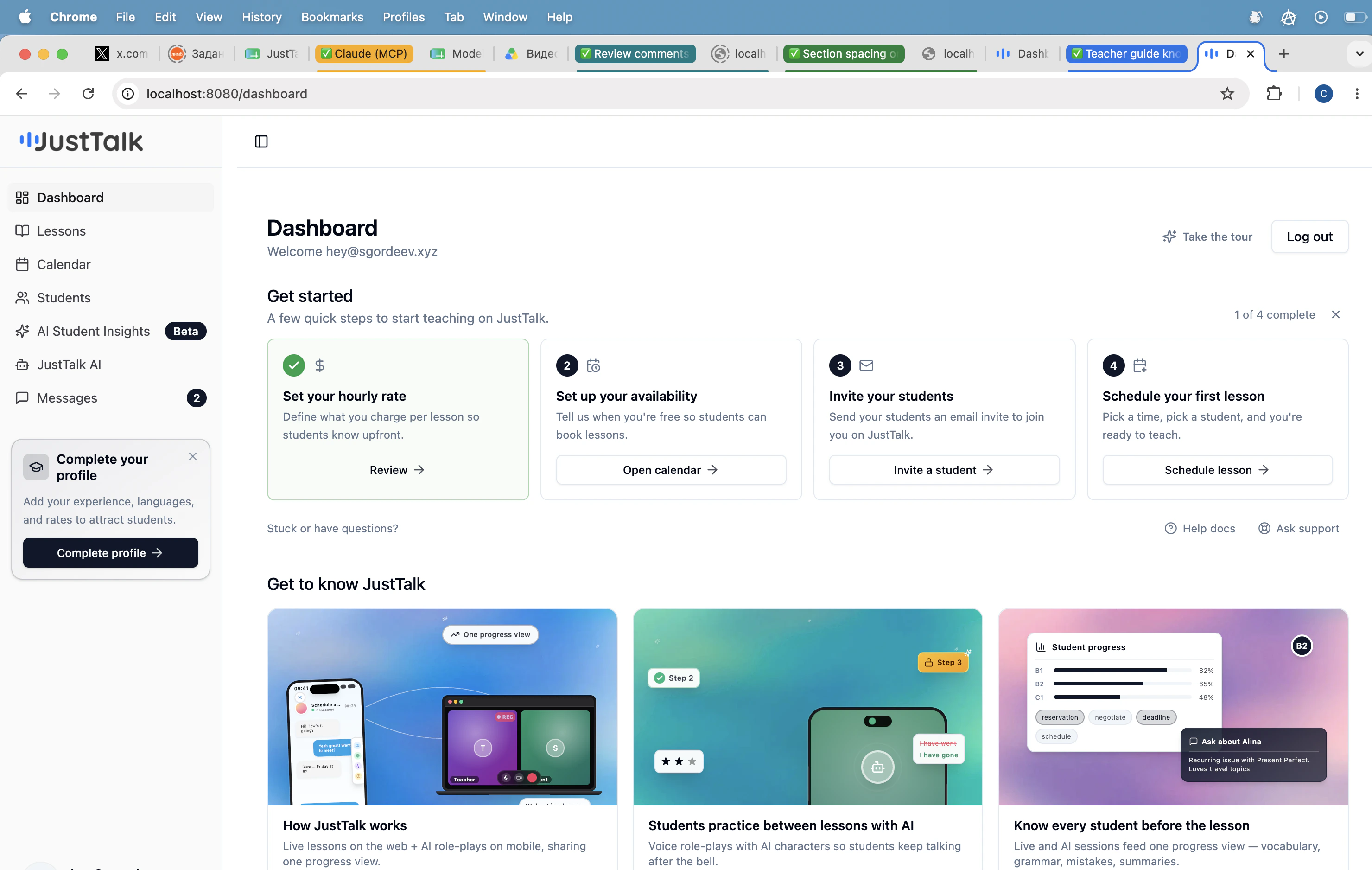
- Set your hourly rate — what students are charged per lesson.
- Set up your availability — when students can book you.
- Invite your students — bring your existing students onto JustTalk.
- Schedule your first lesson — confirm a time with a student.
Where to go next
Profile setup
Onboarding wizard and hourly rate.
Availability
Set the times students can book you.
Students
Invite students and manage your roster.
Scheduling
Book lessons and block time.