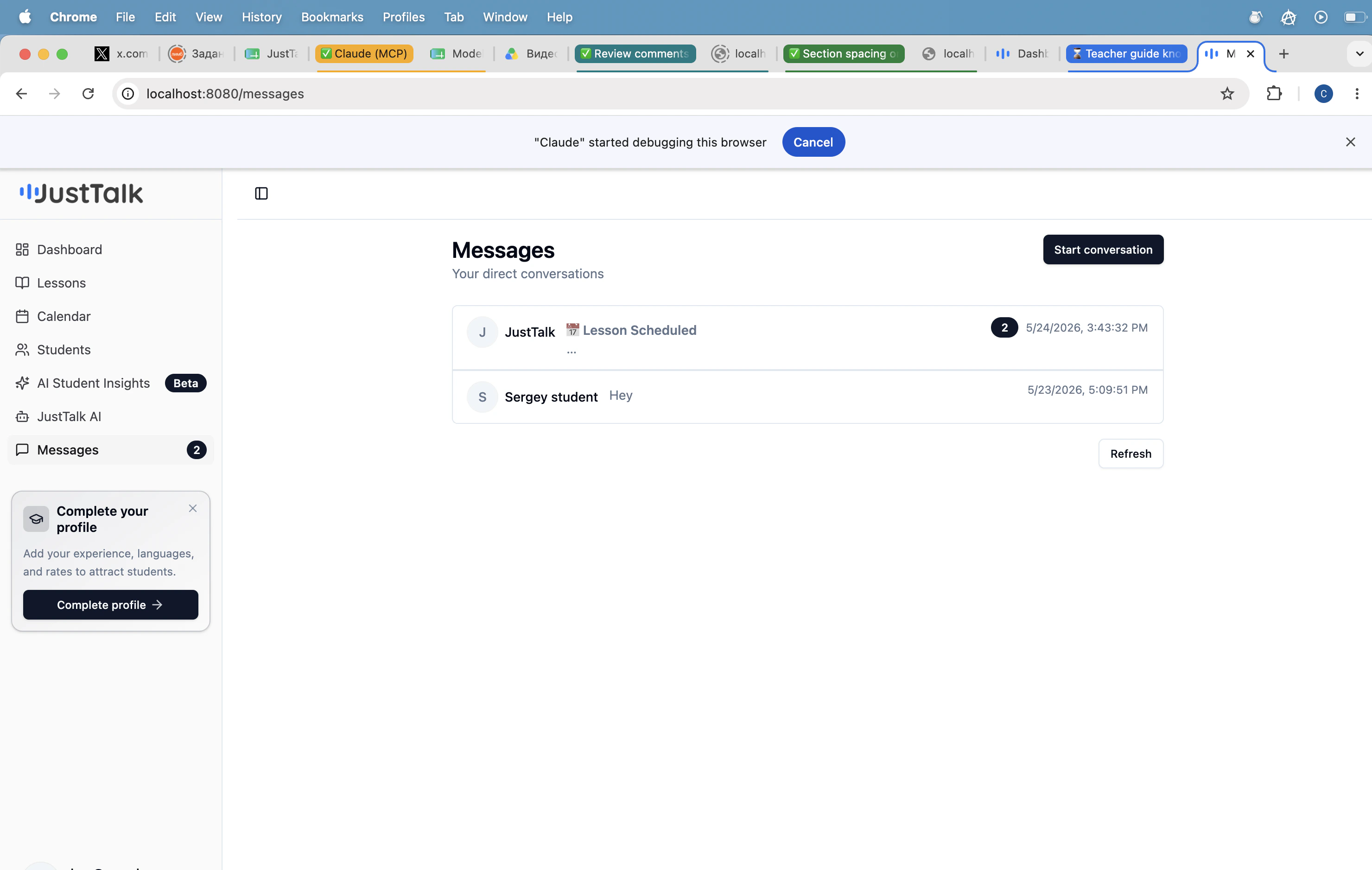
Messages in the sidebar is your direct-message inbox with every student.Documentation Index
Fetch the complete documentation index at: https://docs.justtalk.ai/llms.txt
Use this file to discover all available pages before exploring further.

What’s in the inbox
- Student threads — one per student you’ve messaged or who has messaged you.
- System messages — e.g. Lesson Scheduled notifications from JustTalk itself appear in the same inbox.
- The unread badge on the sidebar reflects all unread threads.
Starting a conversation
Two ways:- Click Start conversation on the Messages page to pick from your roster.
- Click Message on any row of the Students roster.
What to send
- Post-lesson summaries — paste the output of Generate Summary from the lesson report.
- Homework — reading links, vocabulary lists, audio notes.
- Schedule changes — confirm rescheduling or cancellations in writing.
- Encouragement — a one-line “great job today” goes a long way for student retention.