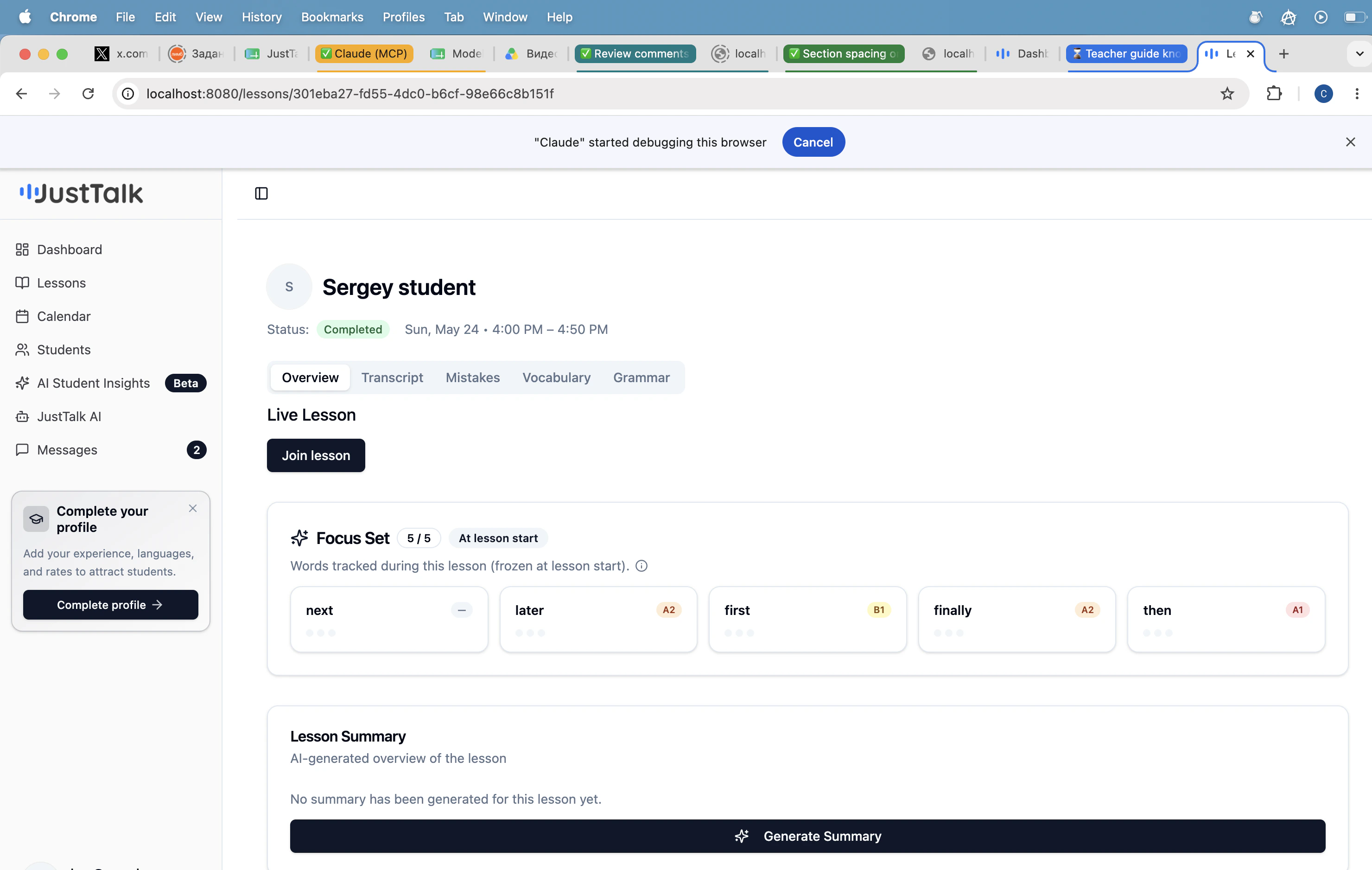
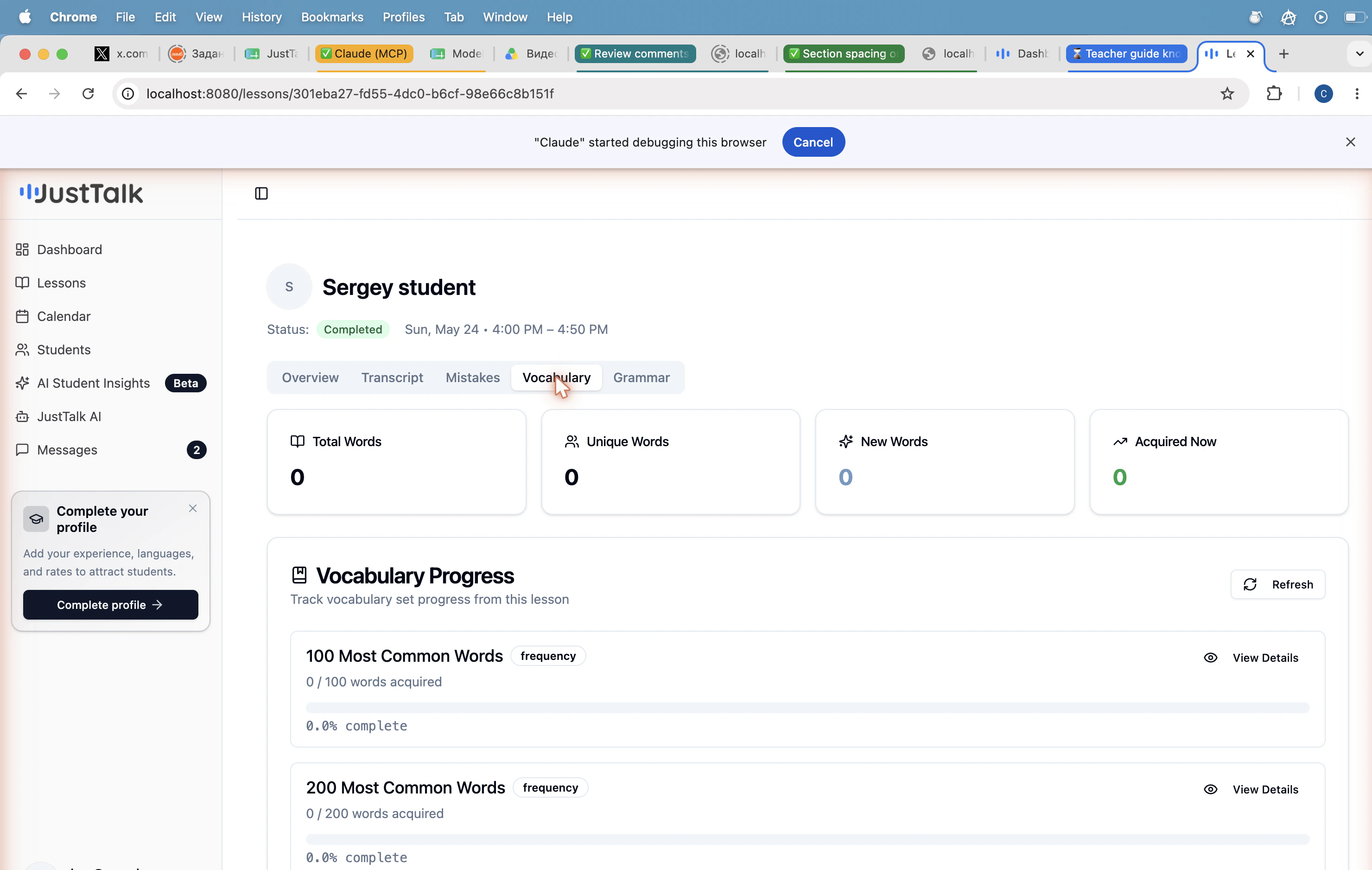
After a lesson ends, open it from Lessons → View. The same page surfaces five tabs of AI analysis.Documentation Index
Fetch the complete documentation index at: https://docs.justtalk.ai/llms.txt
Use this file to discover all available pages before exploring further.

Overview
Live Lesson controls, the Focus Set that was frozen at lesson start, and a one-click Generate Summary that creates a short narrative recap of what happened.Transcript
The full speaker-labeled transcript of the lesson, ready to skim or copy.Mistakes
Grammar and word-choice errors with the original quote, a corrected version, and a category label (tense, article, preposition, etc.). Great source material for homework.Vocabulary
Every meaningful word the student produced, bucketed by CEFR level (A1 → C2). Tells you instantly whether they’re staying inside their comfort zone or stretching.
Grammar
Grammar structures detected in the student’s speech (present perfect, conditionals, relative clauses, etc.) with usage counts and example sentences.Suggested workflow
- Open the lesson immediately after the call.
- Click Generate Summary.
- Scan Mistakes for 2–3 patterns to address next lesson.
- Check Vocabulary — is the student stretching past their comfort level?
- Send the summary in Messages along with one piece of homework.