

Focus
Your active practice list.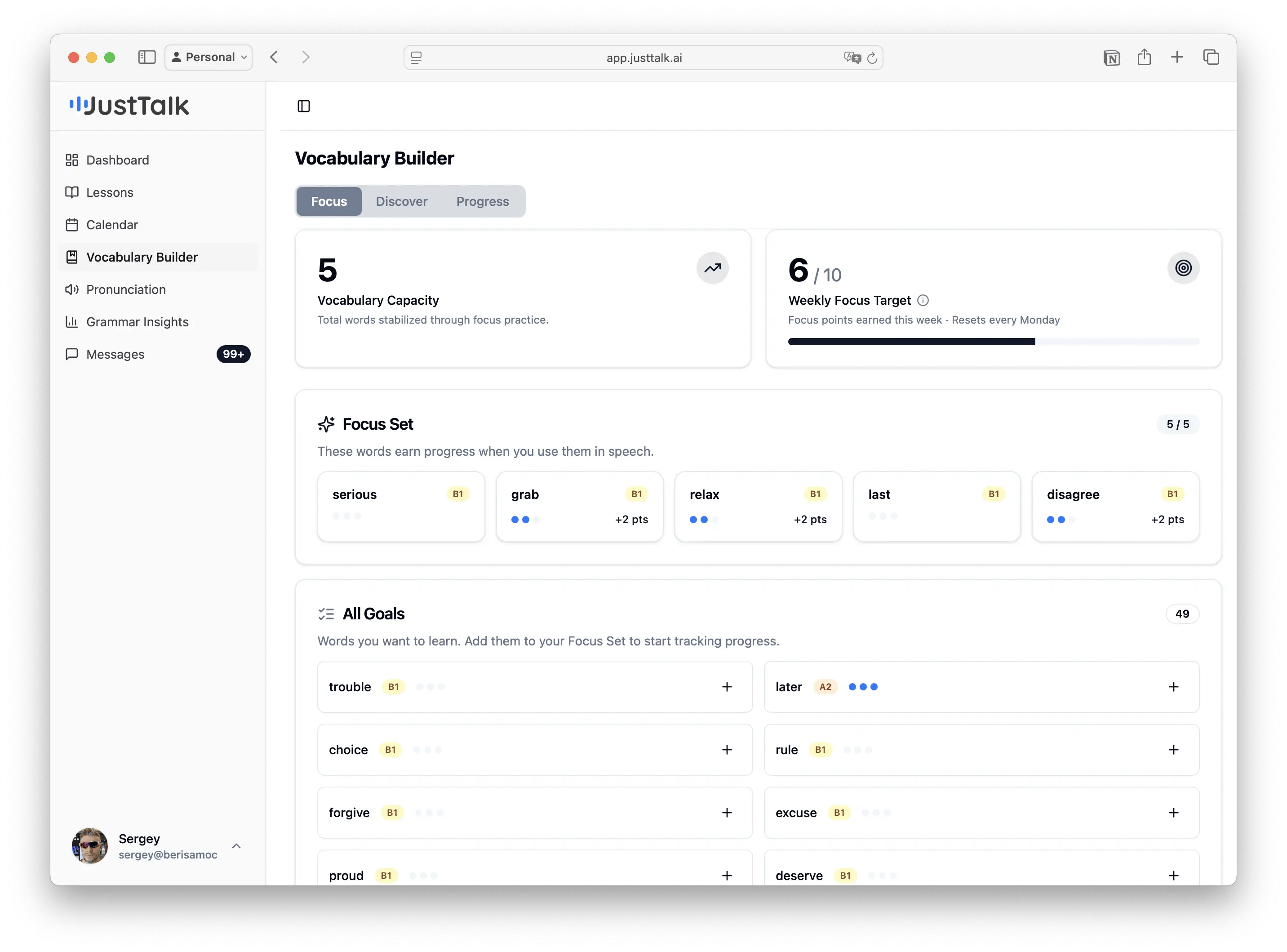
- Vocabulary Capacity — total words you’ve stabilized through focus practice.
- Weekly Focus Target — focus points earned this week (resets every Monday).
- Focus Set — up to 5 words that earn progress when you use them in speech. Each dot shows how close a word is to being acquired.
- All Goals — words you want to learn. Tap + to move one into your Focus Set and start tracking it.
Discover
Find new words to learn.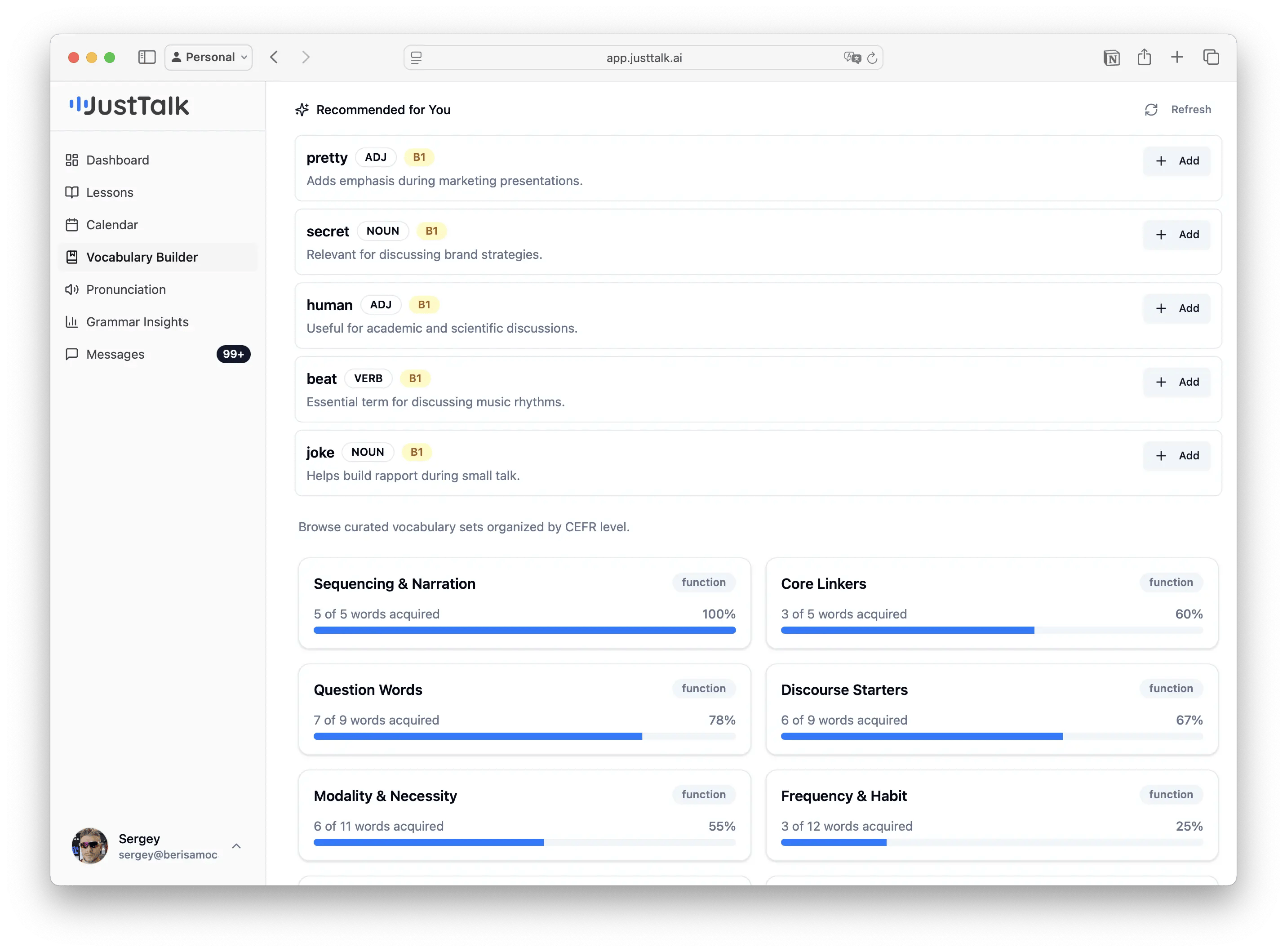
- Search any word to look it up.
- Recommended for You — AI-suggested words based on your goals, level, and activity, each with its part of speech, CEFR level, and a reason it’s useful. Tap Add to send it to your goals.
- Browse curated sets organized by CEFR level and theme.
Progress
See the long view.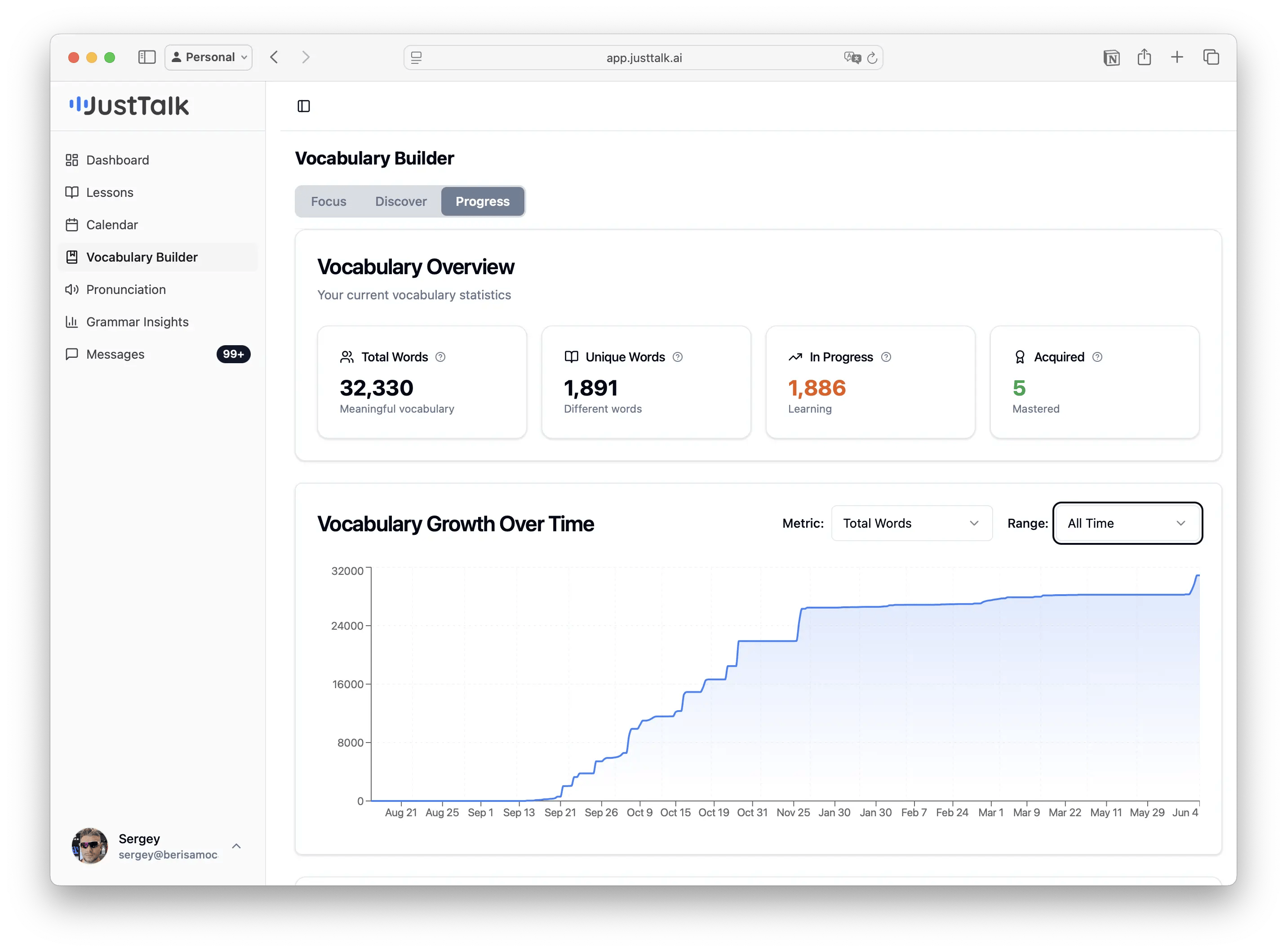
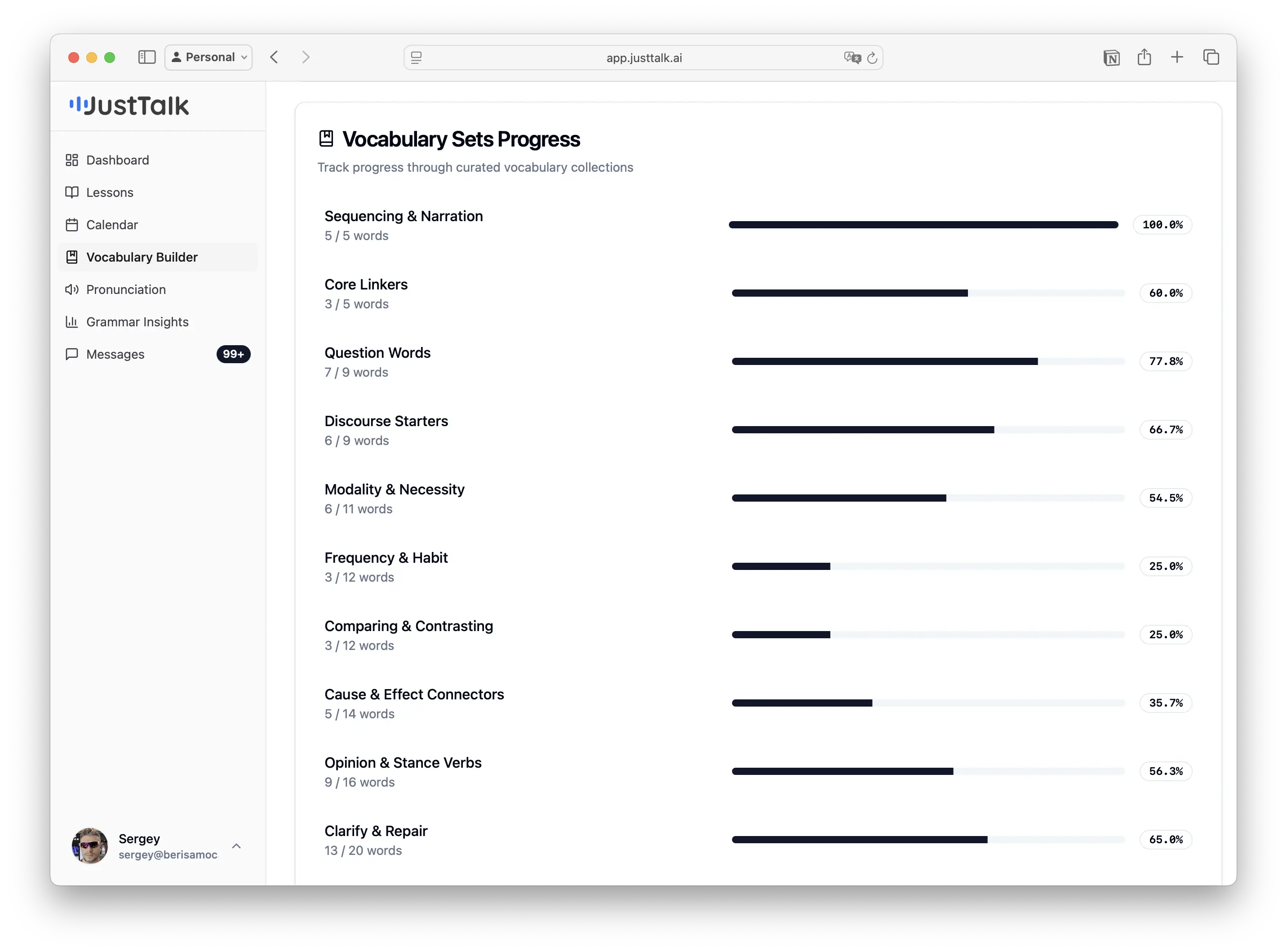
- Total / Unique / In Progress / Acquired word counts.
- Vocabulary Growth Over Time — a chart of how your vocabulary has grown, with metric and date-range selectors.