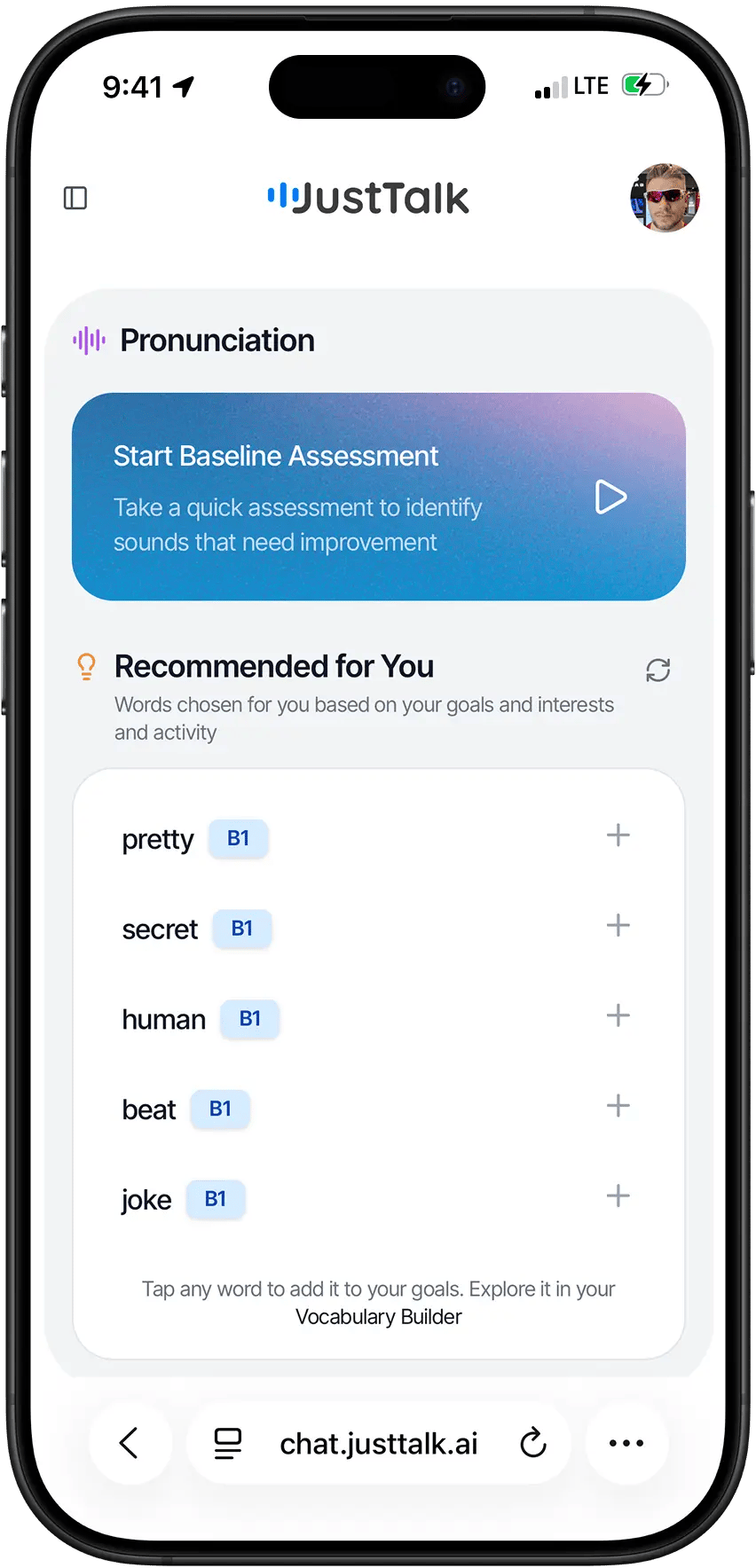
1. Accept your teacher’s invite
Your teacher invites you by email. Open the email and click the confirmation link — this verifies your address and links you to your teacher. Once confirmed, you can book lessons and your teacher can schedule them with you.If you didn’t get the email, check spam, or ask your teacher to re-send the invite from their Students page. You must confirm the link before your first lesson can be booked.
2. Sign in to the web app
Go to app.justtalk.ai and sign in. You’ll land on your Dashboard, with your upcoming lessons, your Focus Set, and a vocabulary overview.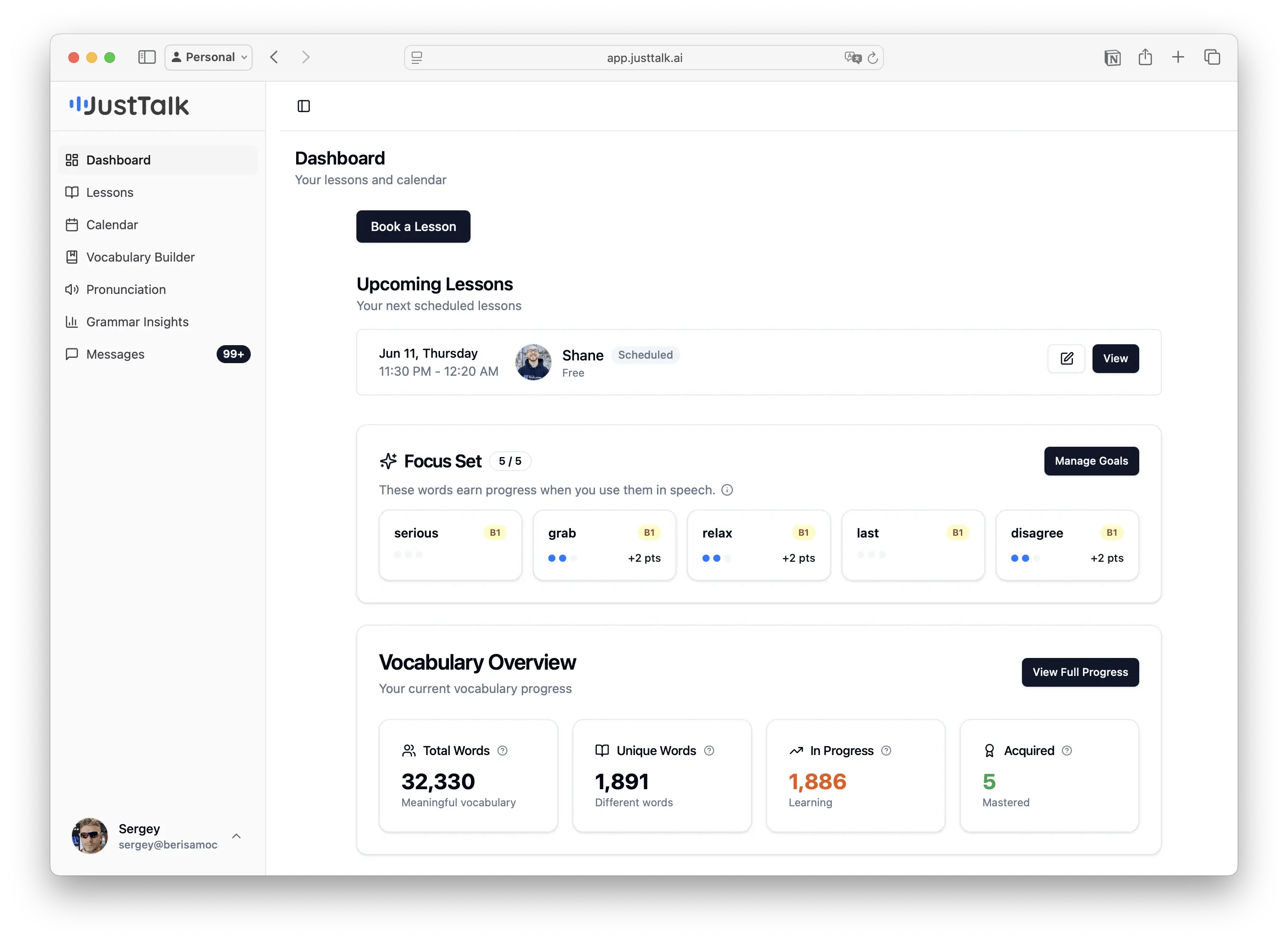
3. Set up the AI practice app
Open chat.justtalk.ai (or install the iOS app) and sign in with the same account. The first time, you’ll see a short intro and a personalization flow.1
Meet the app
A quick intro to natural voice conversations, feedback after you speak, and vocabulary that grows with you.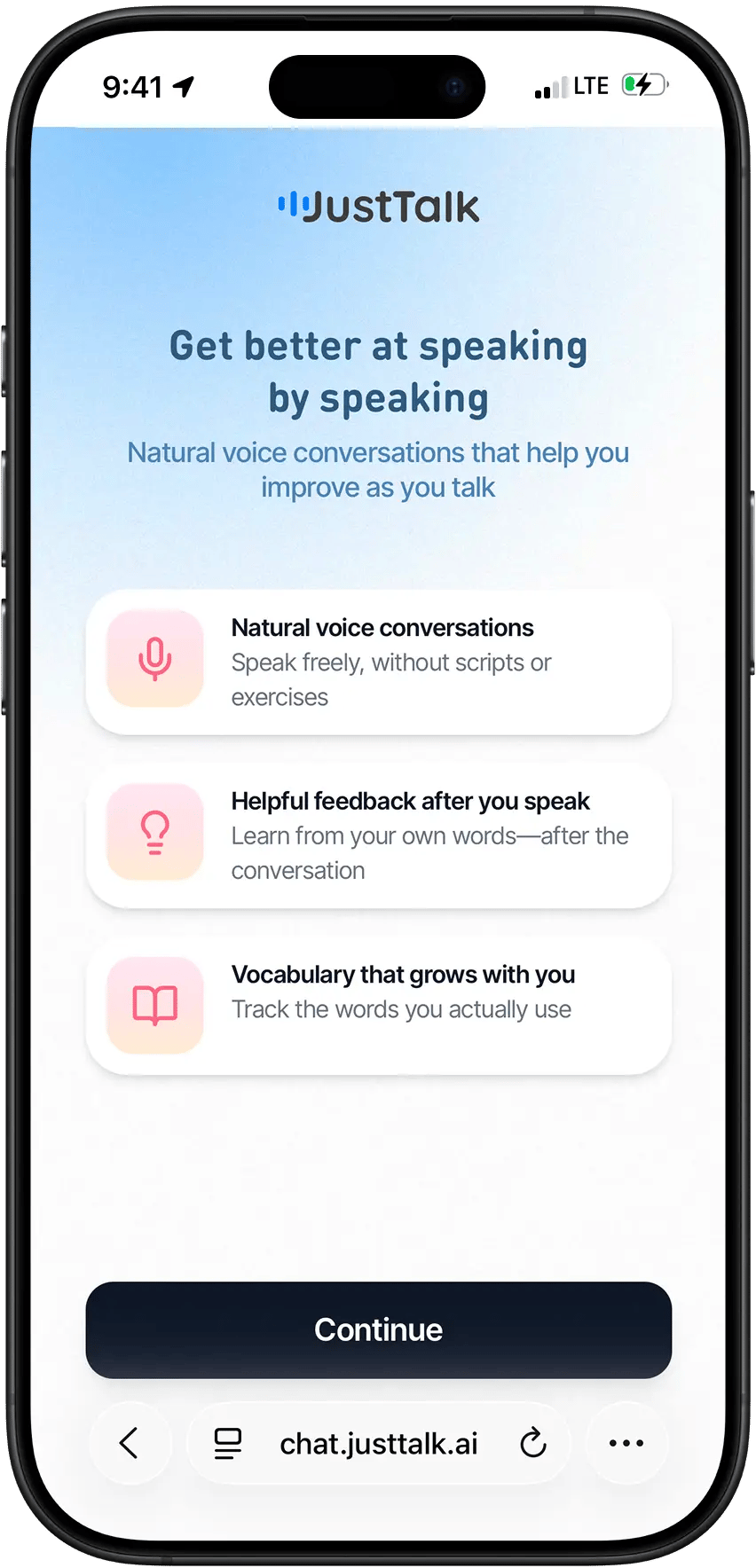
2
See the AI characters
You’ll practice with different personalities — some supportive, some challenging.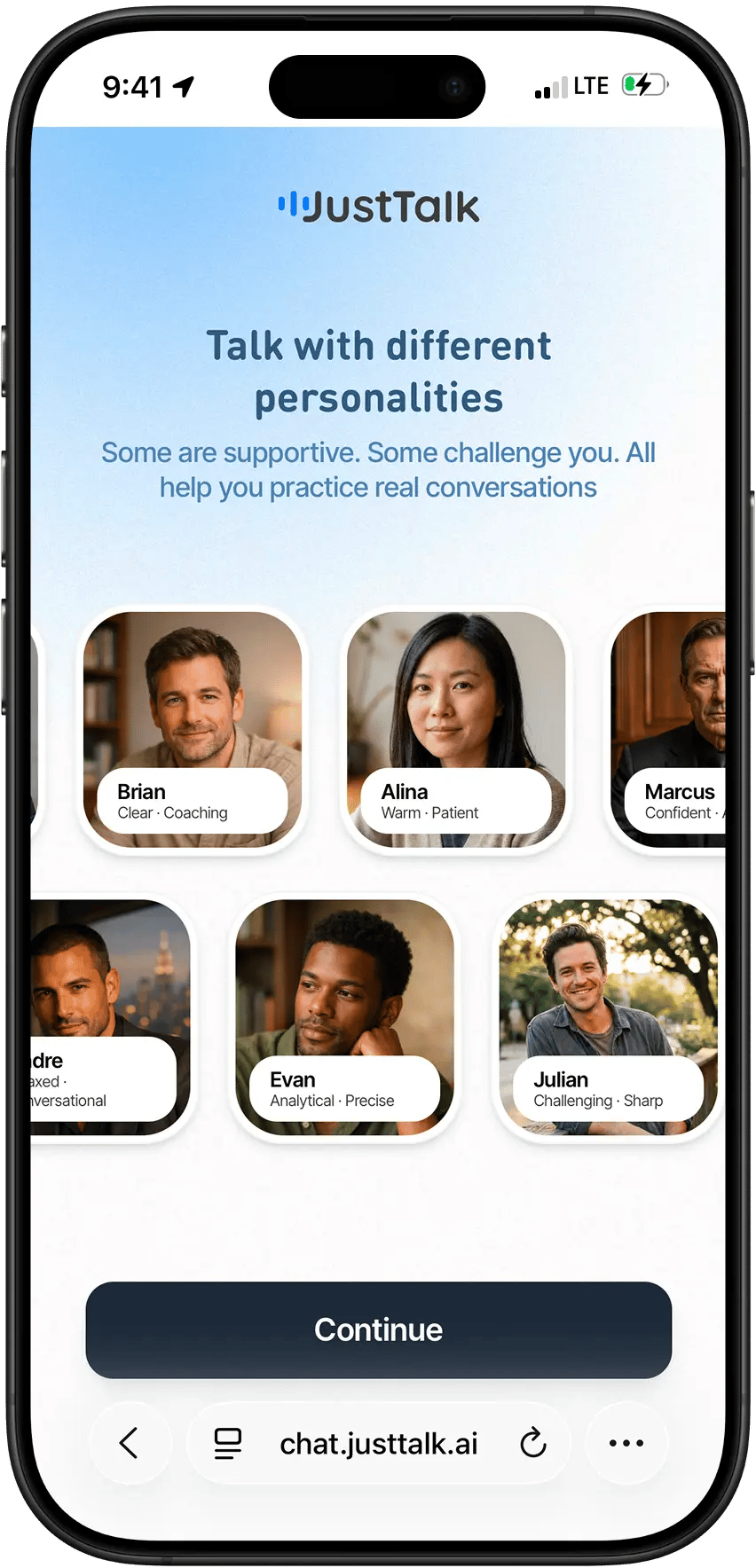
3
Answer a few questions
Age, native language, how you feel about speaking, and your goals — this tailors your practice.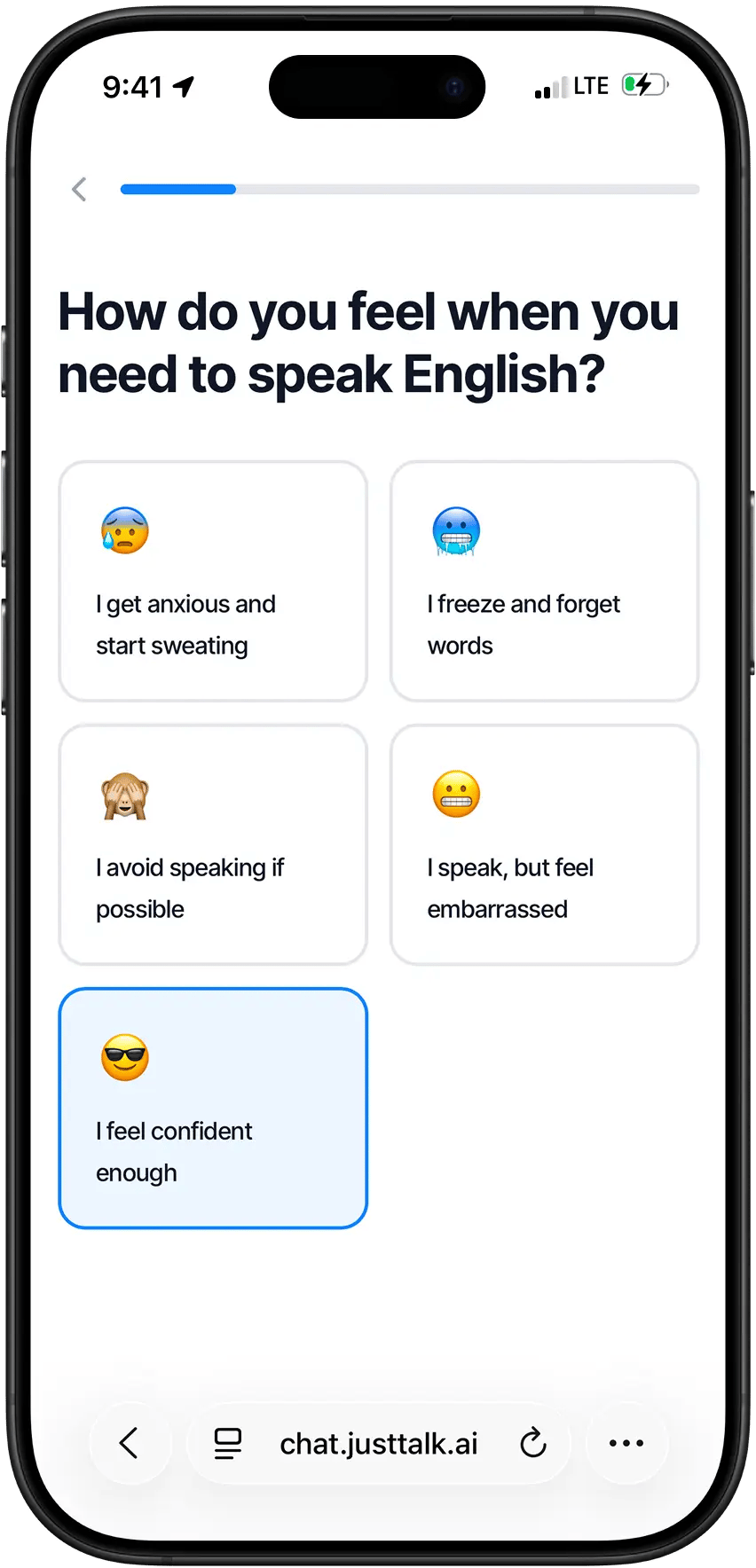
4
Take the vocabulary check
Tap the words you know (40 words, ~1 minute). This estimates your level and personalizes conversations.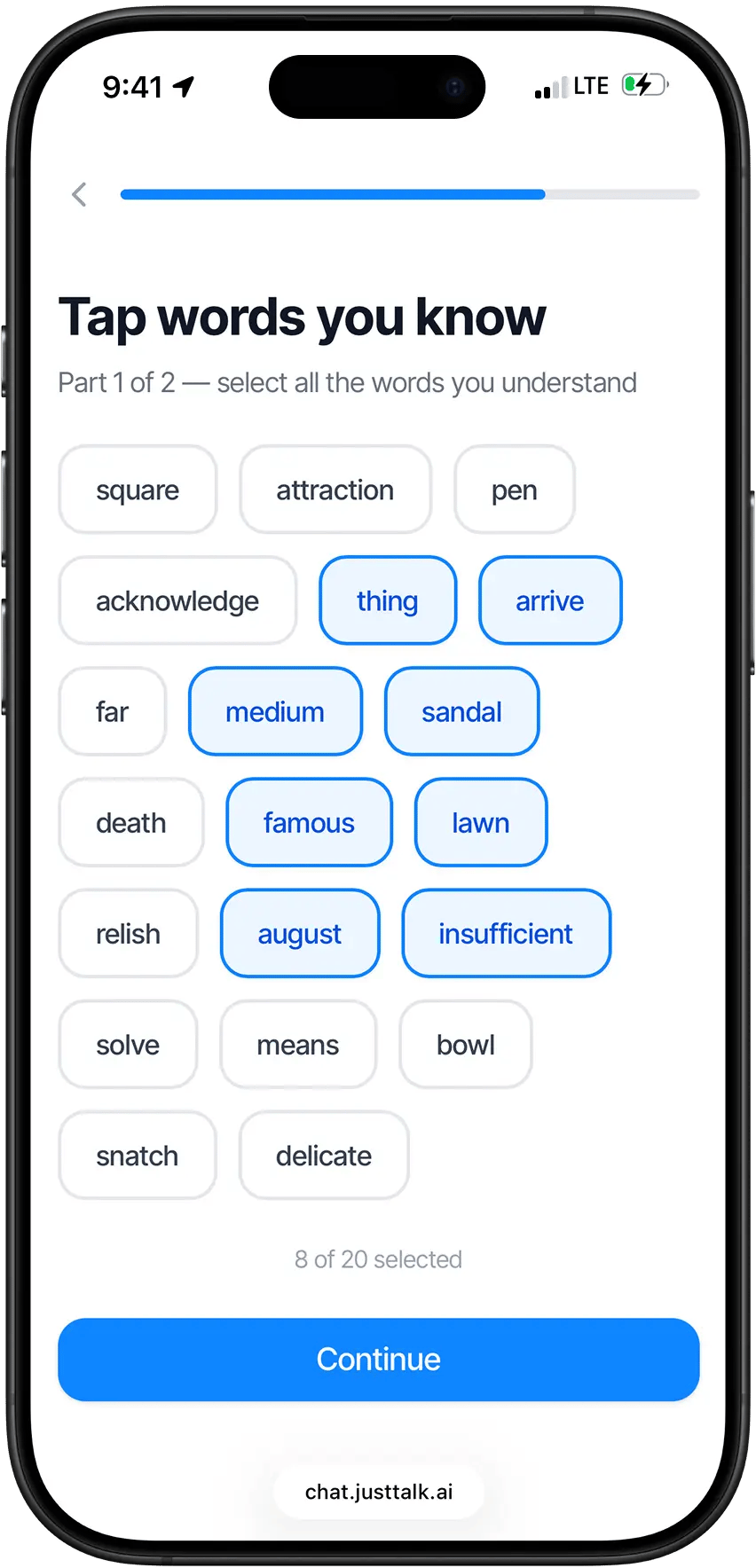
4. You’re set
- Live lessons happen on the web app.
- Daily practice happens on the AI app.
-
Both feed the same progress.