Book a lesson
Click Book a Lesson on your dashboard. Pick your teacher, then choose an open slot in their weekly availability.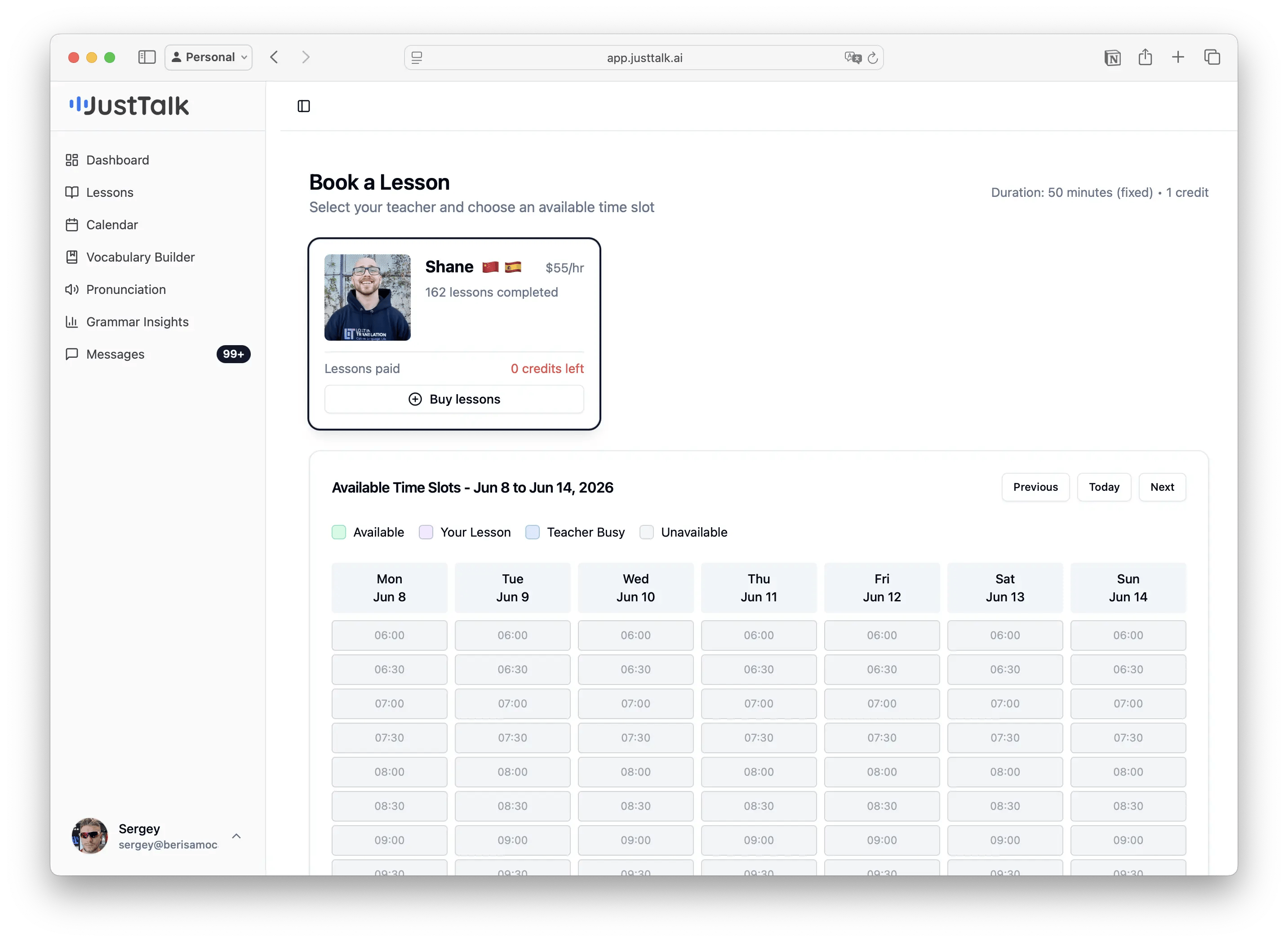
- Each teacher card shows their rate, lessons completed, and your credit balance.
- The time grid is color-coded: Available, Your Lesson, Teacher Busy, Unavailable.
- A lesson is 50 minutes and costs 1 credit.
- If you’re out of credits, use Buy lessons on the teacher’s card to purchase a package.
Your teacher can also schedule a lesson for you directly — it will appear in your calendar and you’ll get a notification in Messages.
Your calendar
Open Calendar to see your booked lessons in Week or Month view. Navigate with the arrows or jump to Today.Your lessons list
Lessons shows every past and upcoming session. Filter with the All / Tutor / AI tabs, by date range, or by status. Both your teacher lessons (50 min) and your AI Tutor practice (30 min) appear here together.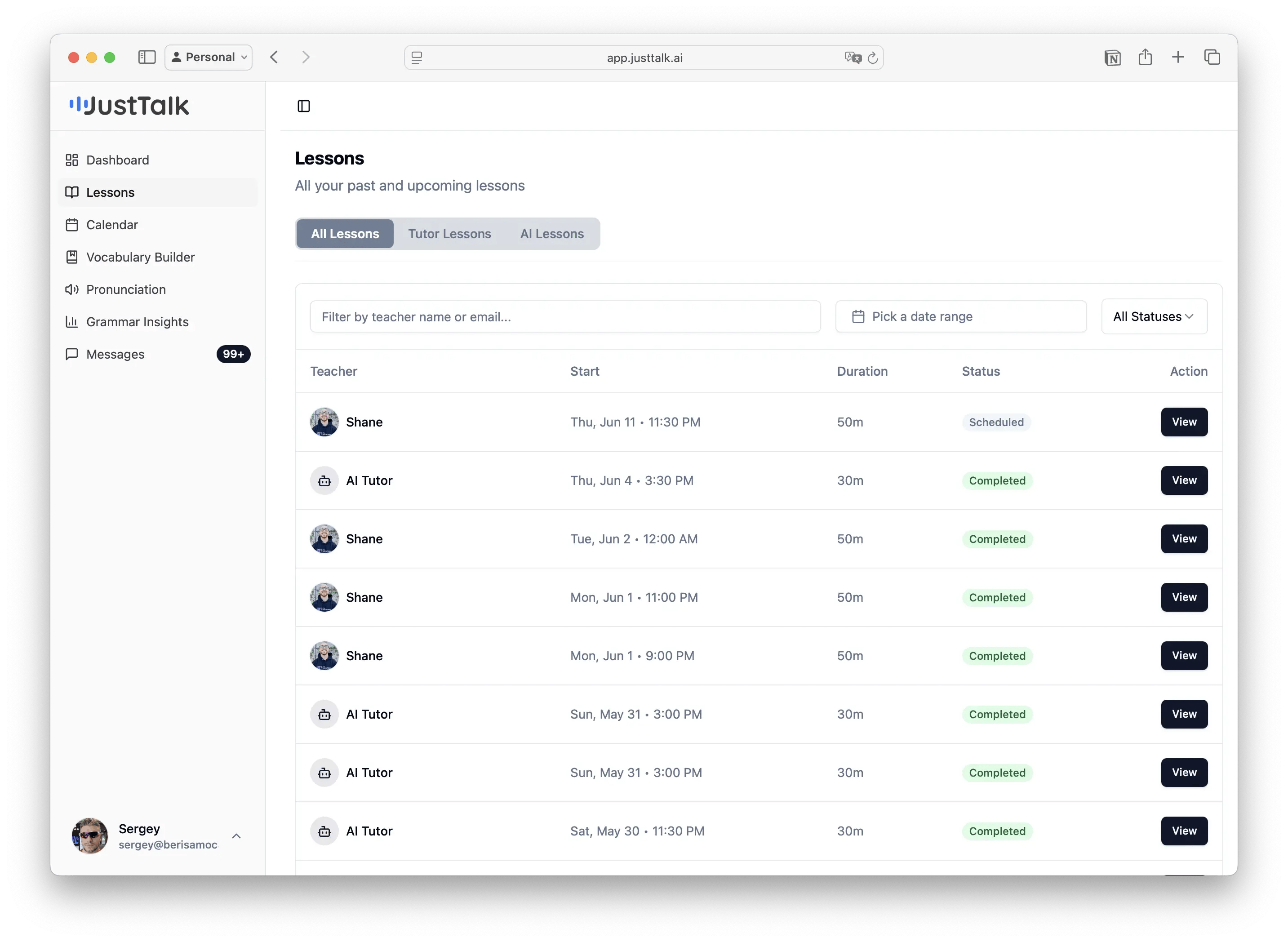
Join a live lesson
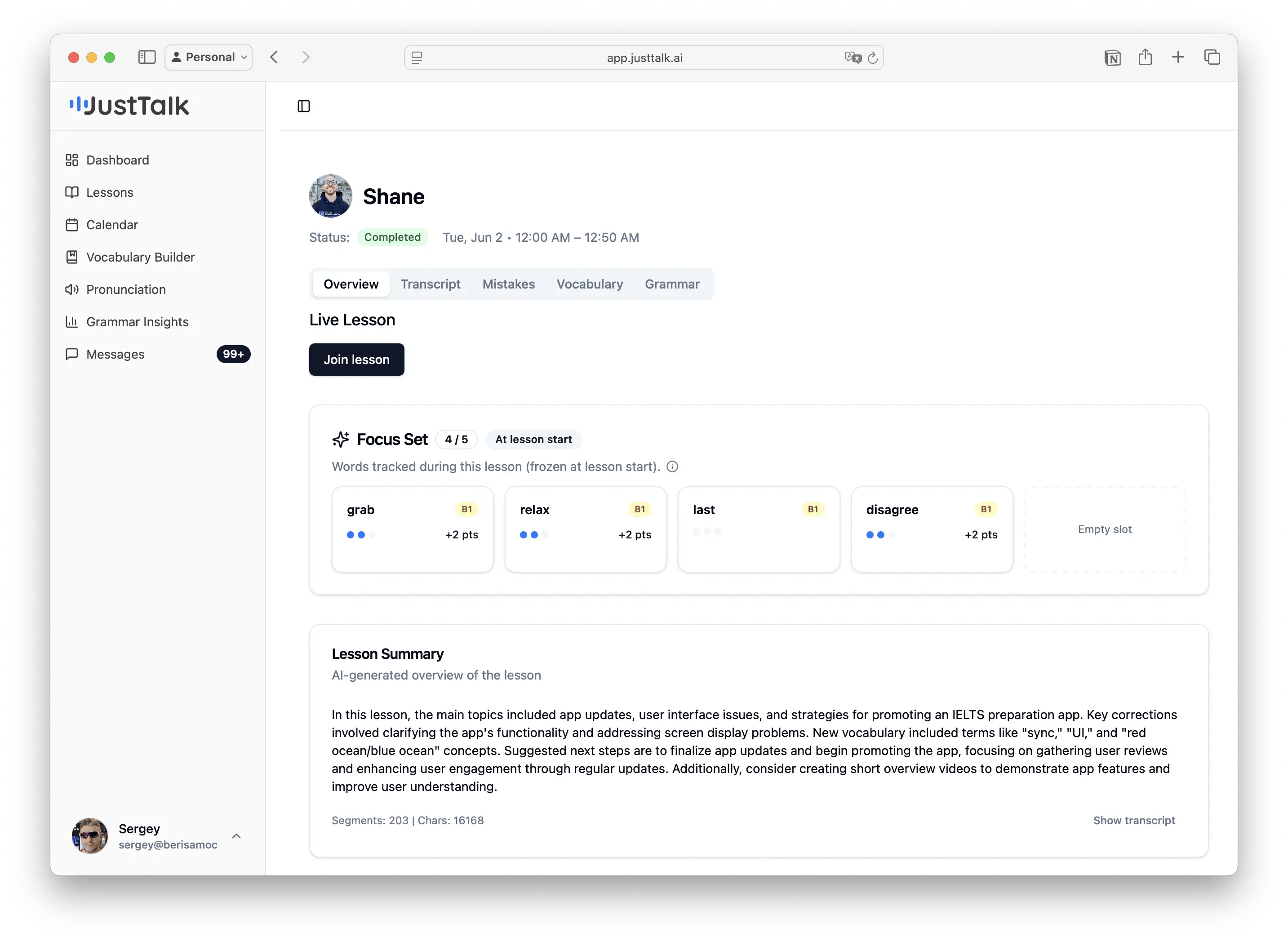
When it’s time, open the lesson and click Join lesson. The video room is built in — no Zoom or Google Meet needed. During the lesson your teacher can see your Focus Set (5 words to use), and JustTalk records the session so it can build your report afterward.