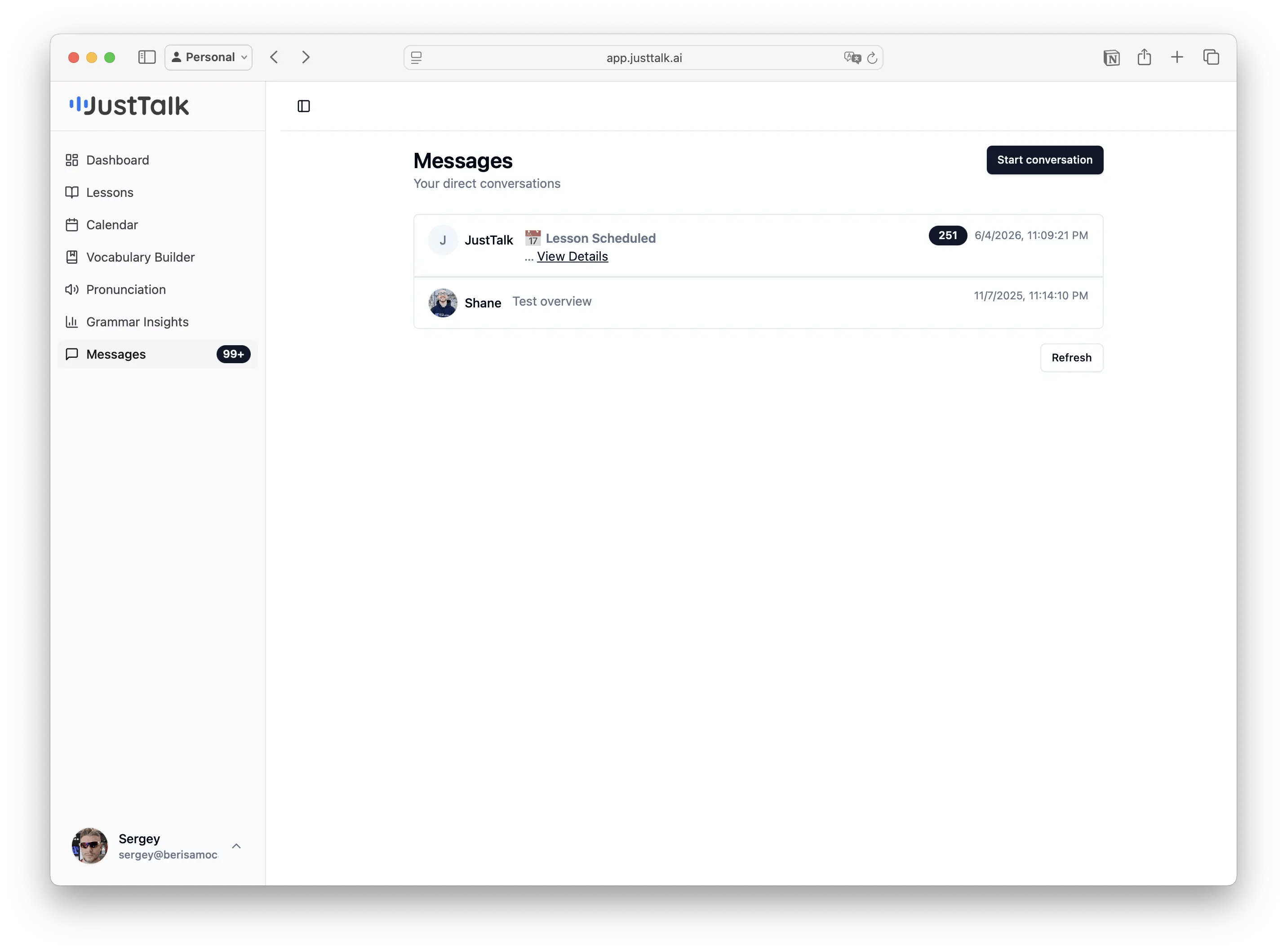
Messages on the web app is your direct line to your teacher between lessons. Messages inbox
  • Open a thread with your teacher to ask questions, share what you want to work on, or get homework and resources.
  • System notifications (like Lesson Scheduled) arrive in the same inbox, so you always know when a lesson is booked.
  • The unread badge in the sidebar shows when you have new messages.
Click Start conversation to message your teacher, or reply in an existing thread.
Before a lesson, send your teacher a quick note about what you’d like to focus on (a grammar category from Grammar Insights, a situation you’re nervous about, an upcoming interview). It makes the lesson far more useful.