Overview
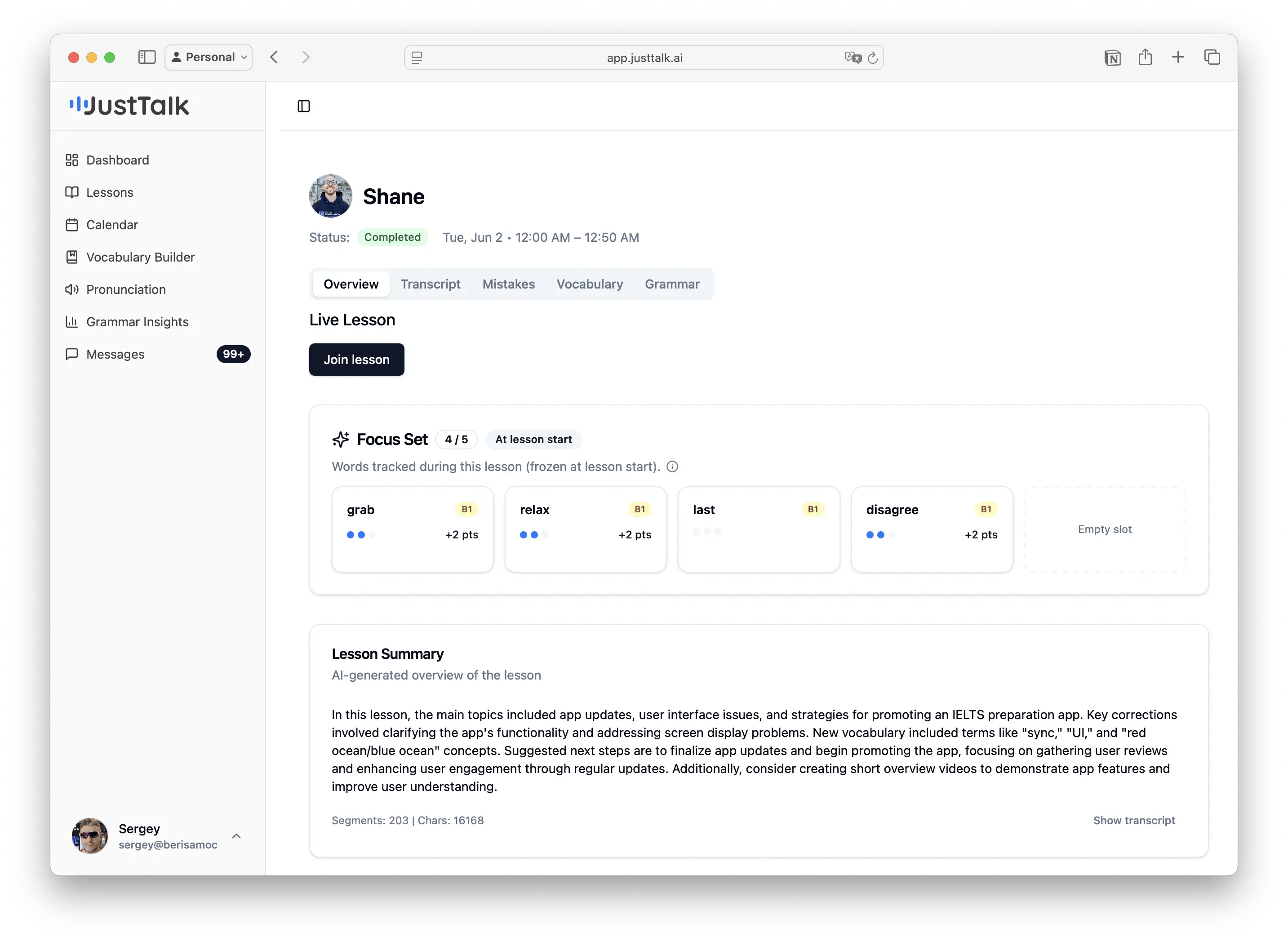
Your Focus Set for the lesson and an AI-generated summary — the main topics, key corrections, new vocabulary, and suggested next steps. A quick way to remember what the lesson covered.Transcript
The full word-for-word transcript of the lesson, with speaker labels. You can replay individual lines and translate them.Mistakes
Your mistakes grouped by category (Articles, Tense, Verb Form, Word Order, Prepositions…) with percentages, plus an All Mistakes list showing what you said, the correction, and a short explanation.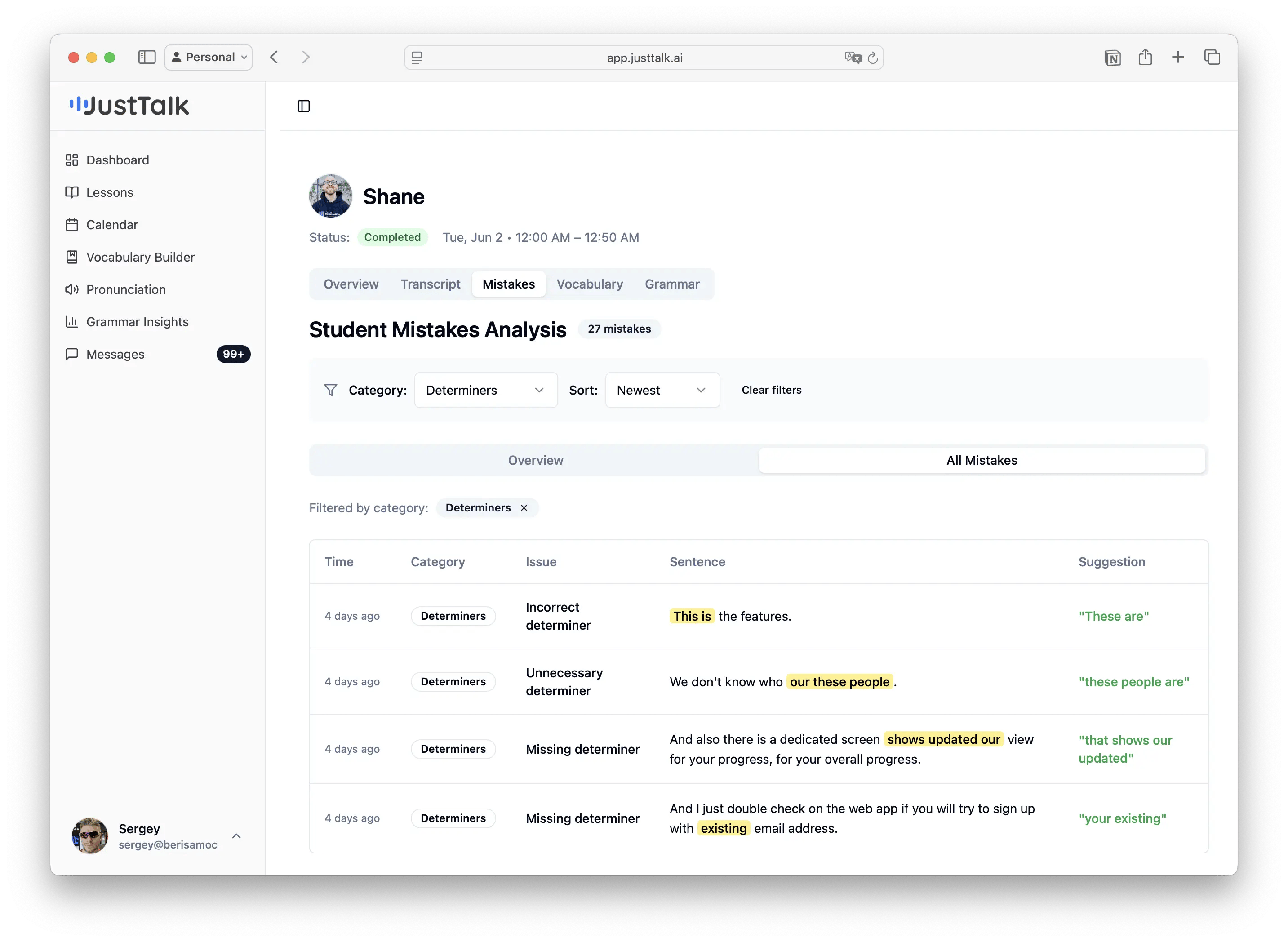
Vocabulary
Every meaningful word you used, with Total / Unique / New / Acquired counts and progress bars for common-word bands (100, 200, 500 most common…). Green badges show how many words you newly acquired in that lesson.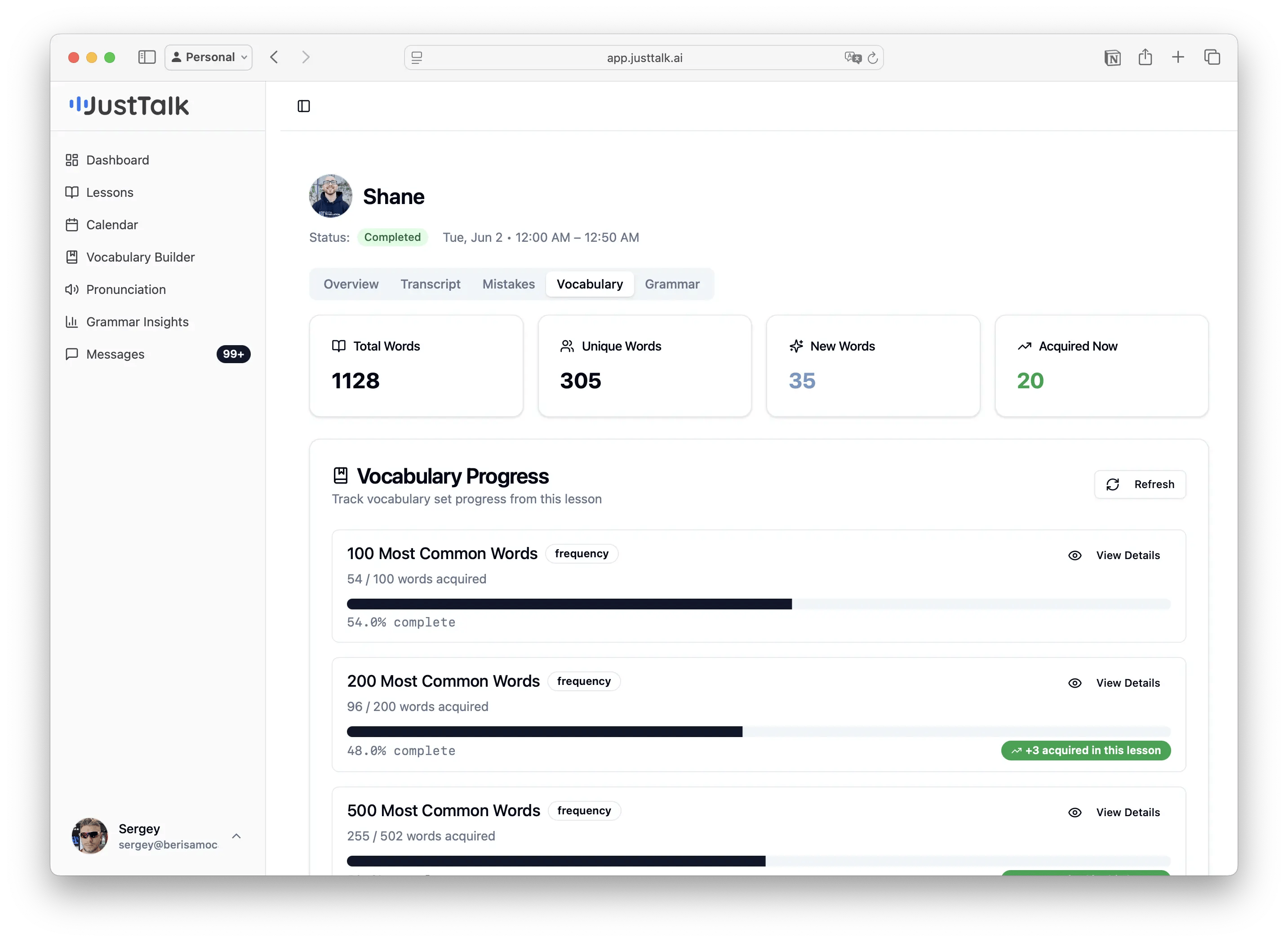
Grammar
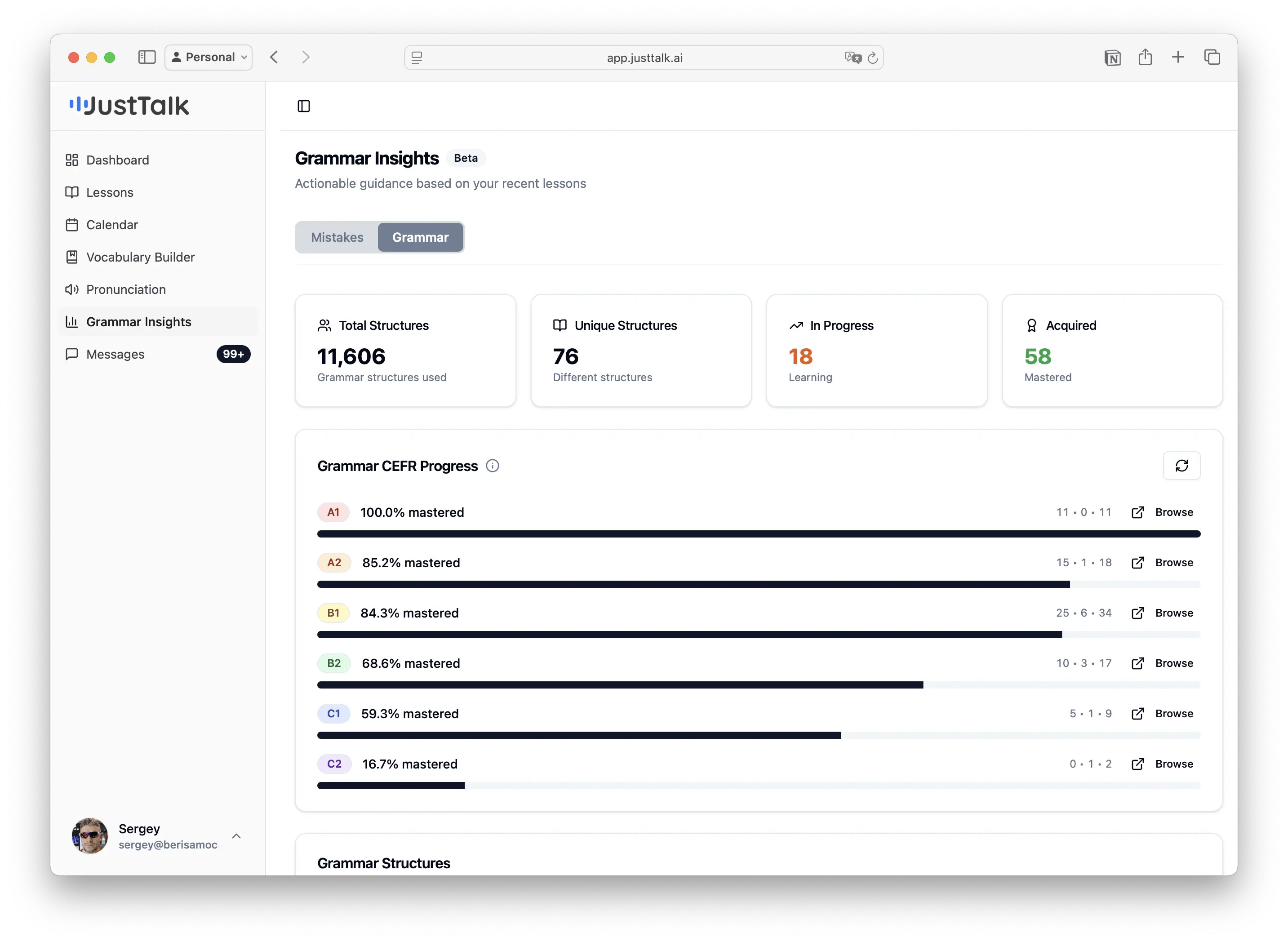
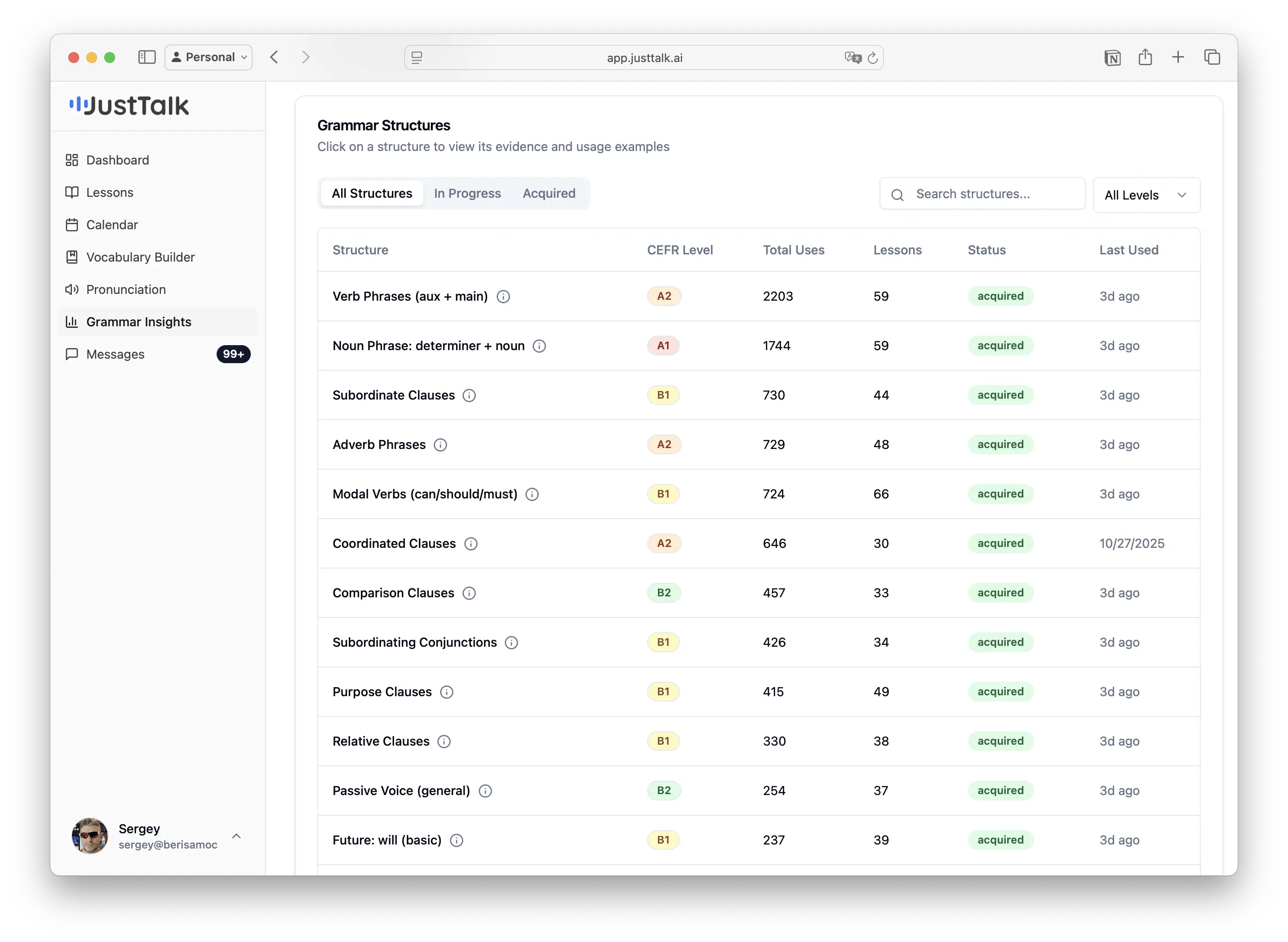
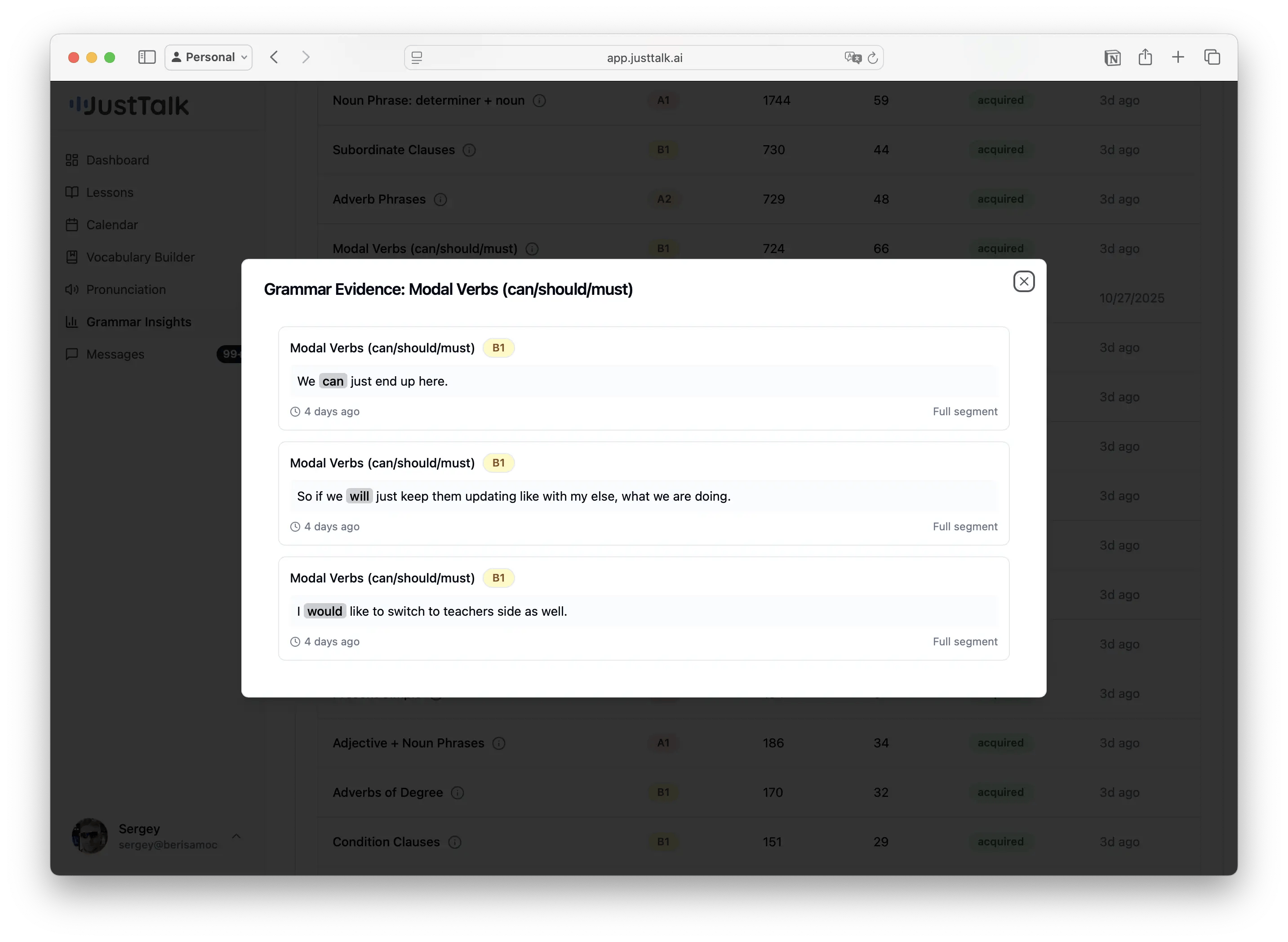
The grammar structures detected in your speech, shown by CEFR level (A1 → C2), with counts and examples — so you can see whether you’re stretching into higher-level structures.