

Welcome! This guide helps you book lessons, join calls, and use AI feedback to improve faster.Documentation Index
Fetch the complete documentation index at: https://docs.justtalk.ai/llms.txt
Use this file to discover all available pages before exploring further.
1) Create your account via invitation
- Accept the invite from your teacher (or sign up on your own)
- Complete Student Onboarding
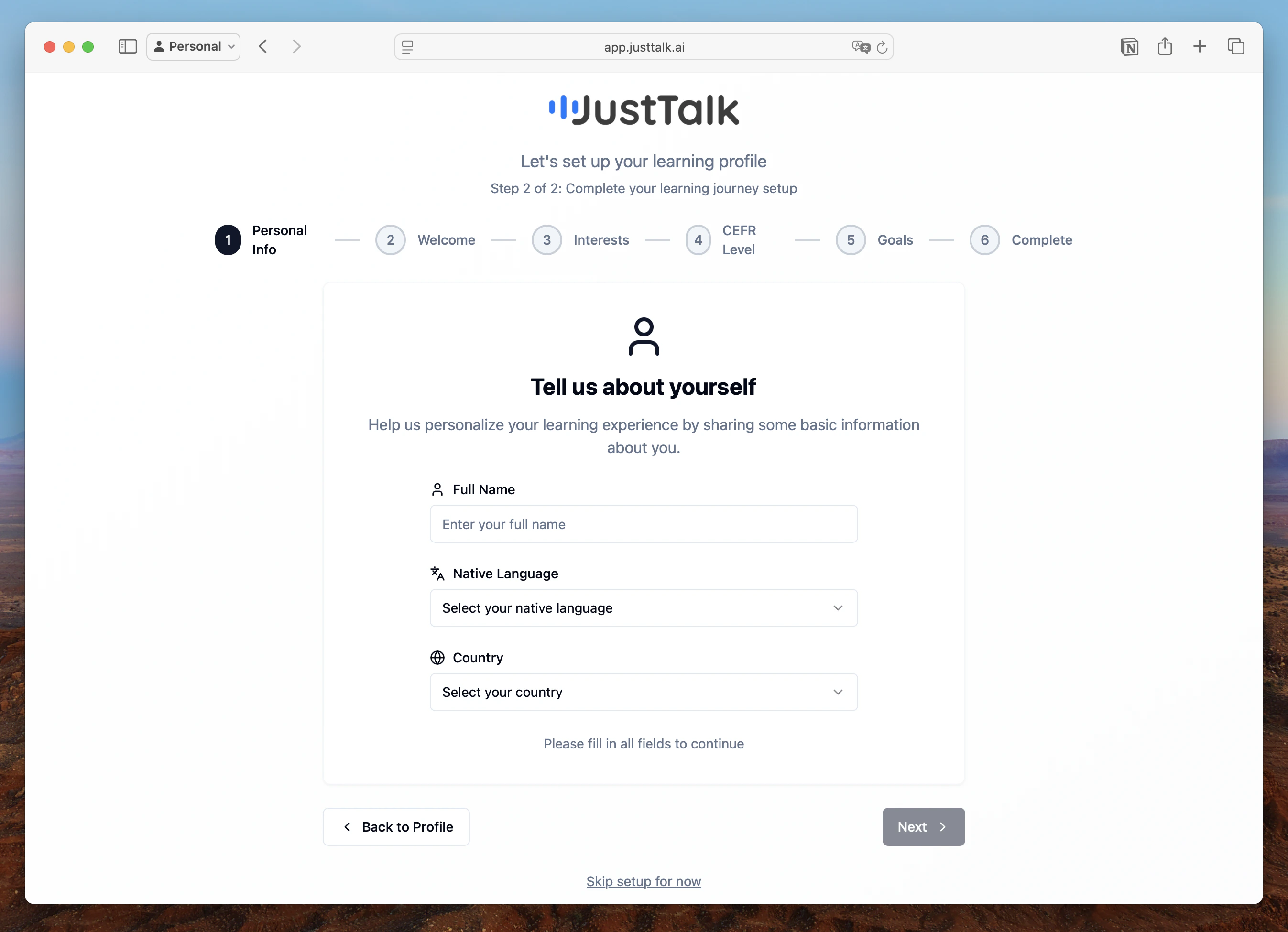
- You’ll land on the Student Dashboard with your next steps
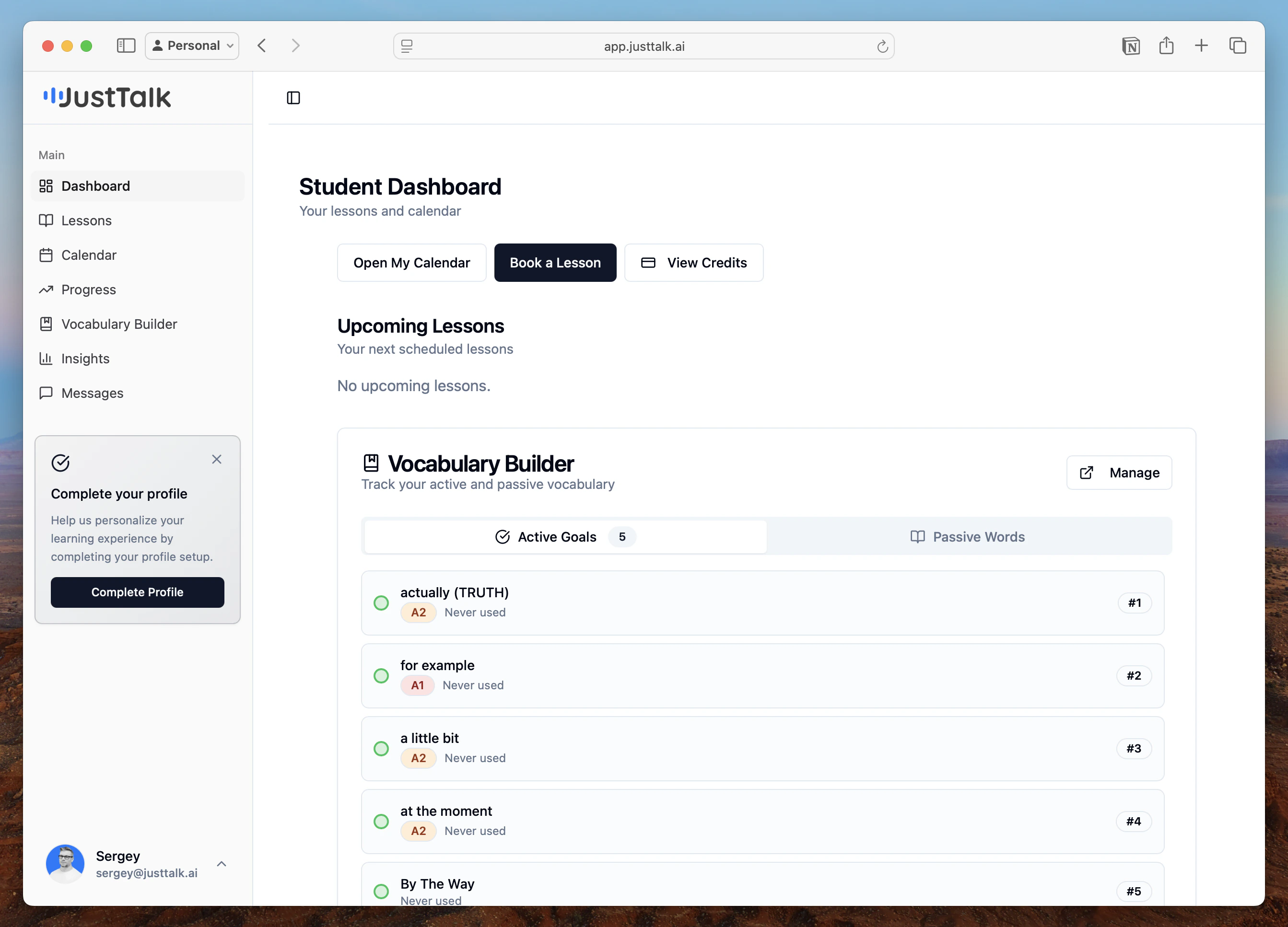
2) Book your first lesson
- Open Lessons or Book Lesson
- Pick a time that works for you on the Calendar
- Confirm your booking. If your teacher uses credits, make sure you have credits available
- You’ll get reminders before the lesson

3) Join the lesson
- At the time of the lesson, click Join in your upcoming sessions
- Allow your browser to use the microphone (and camera, if needed)
- Speak naturally — AI listens and helps your teacher give targeted feedback

4) See your feedback
- After the lesson, open the Lesson page to review:
- Grammar: structures you used (and how to improve)
- Vocabulary: words by CEFR level (A1–C2)
- Mistakes: what happened and how to fix it next time
- You’ll see progress from lesson to lesson — not just a single score

5) Track vocabulary and grammar
- Vocabulary History: browse words you used, with CEFR levels and examples
- Grammar: see patterns you’re mastering and areas to practice
6) Set goals with your teacher
- Define simple goals (e.g., “Use more B2 vocabulary in meetings”)
- Follow your progress with clear, visual summaries
7) Message your teacher
- Use Messages to ask questions, share texts, or plan your next lesson